Routing Gateway
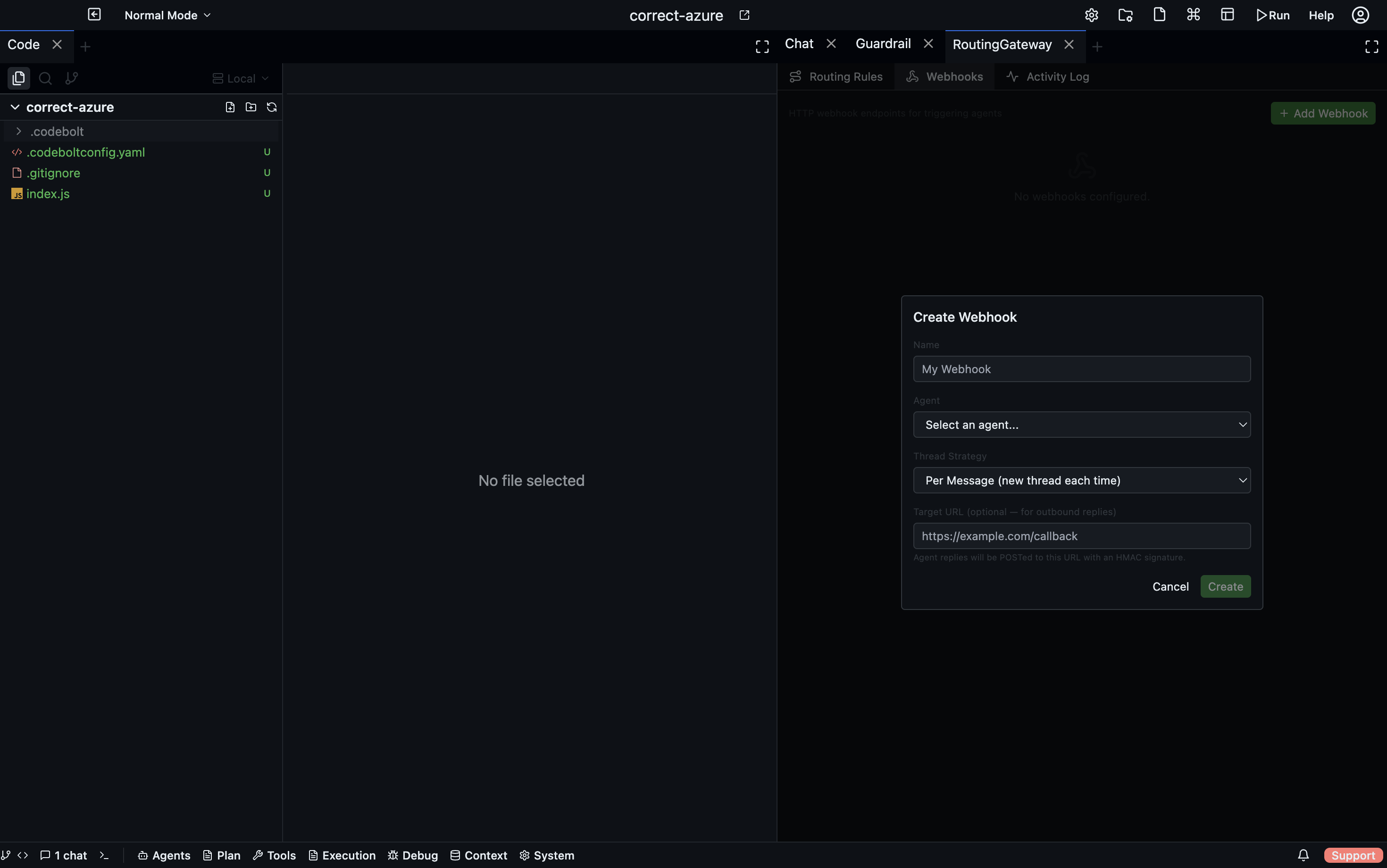
The Routing Gateway controls how incoming messages are routed to agents — which agent handles which type of request, and under what conditions. It sits between the incoming message (from chat, from a plugin, or from an API call) and the agent that processes it.
Open via: System Settings dropdown → Routing Gateway
What the gateway does
When a message arrives (from a user, a webhook, or a chat integration like Slack or Discord), the gateway evaluates routing rules to decide:
- Which agent should handle this message
- Which thread to attach it to (new thread, existing thread, or a specific thread by ID)
- What thread strategy to apply (one thread per user, one thread per channel, etc.)
Without custom routing rules, all messages go to the project's default agent in a new thread. Routing rules let you direct different message types to specialised agents.
Routing rules
A routing rule is a condition → action pair:
- name: code-questions-to-code-agent
  condition:
    type: content_match
    pattern: "(fix|debug|refactor|explain) .*code"
  action:
    agent: code-agent
    threadStrategy: per_user
Condition types
| Type | Matches when… |
|---|---|
content_match | Message text matches a regex pattern |
source_match | Message came from a specific platform (e.g., slack, discord, api) |
user_match | Message is from a specific user ID |
channel_match | Message is from a specific channel or room |
keyword | Message contains one of a list of keywords |
always | Matches every message (use as a fallback rule) |
Action fields
| Field | Description |
|---|---|
agent | Agent ID to route to |
threadStrategy | How to assign threads (see below) |
threadId | Route to a specific existing thread |
instruction | Prepend a fixed instruction to the message before passing it to the agent |
Thread strategies
| Strategy | Behaviour |
|---|---|
new | Always create a new thread |
per_user | One thread per user; messages from the same user continue the same thread |
per_channel | One thread per channel/room |
per_session | One thread per platform session |
singleton | All messages go to one global thread |
existing | Route to a specific thread by ID |
Rule evaluation
Rules are evaluated in order from top to bottom. The first rule whose condition matches is applied. If no rule matches, the default agent handles the message in a new thread.
Proactive messages
The gateway also handles proactive messages — messages sent by an agent to a user without the user sending anything first. Configure these in the routing rules with a proactive trigger:
- name: daily-summary
  trigger:
    type: schedule
    cron: "0 9 * * *"
  action:
    agent: summary-agent
    instruction: "Generate today's project summary and send it to the #dev-updates channel."
    target:
      platform: slack
      channel: "#dev-updates"
Proxy Execution
The Proxy Execution panel (System Settings → Proxy Execution) controls agent execution routing for multi-environment setups — directing specific agents to run on specific machines or containers rather than locally. See Multi-Environment Orchestration for full details.