Routing Gateway
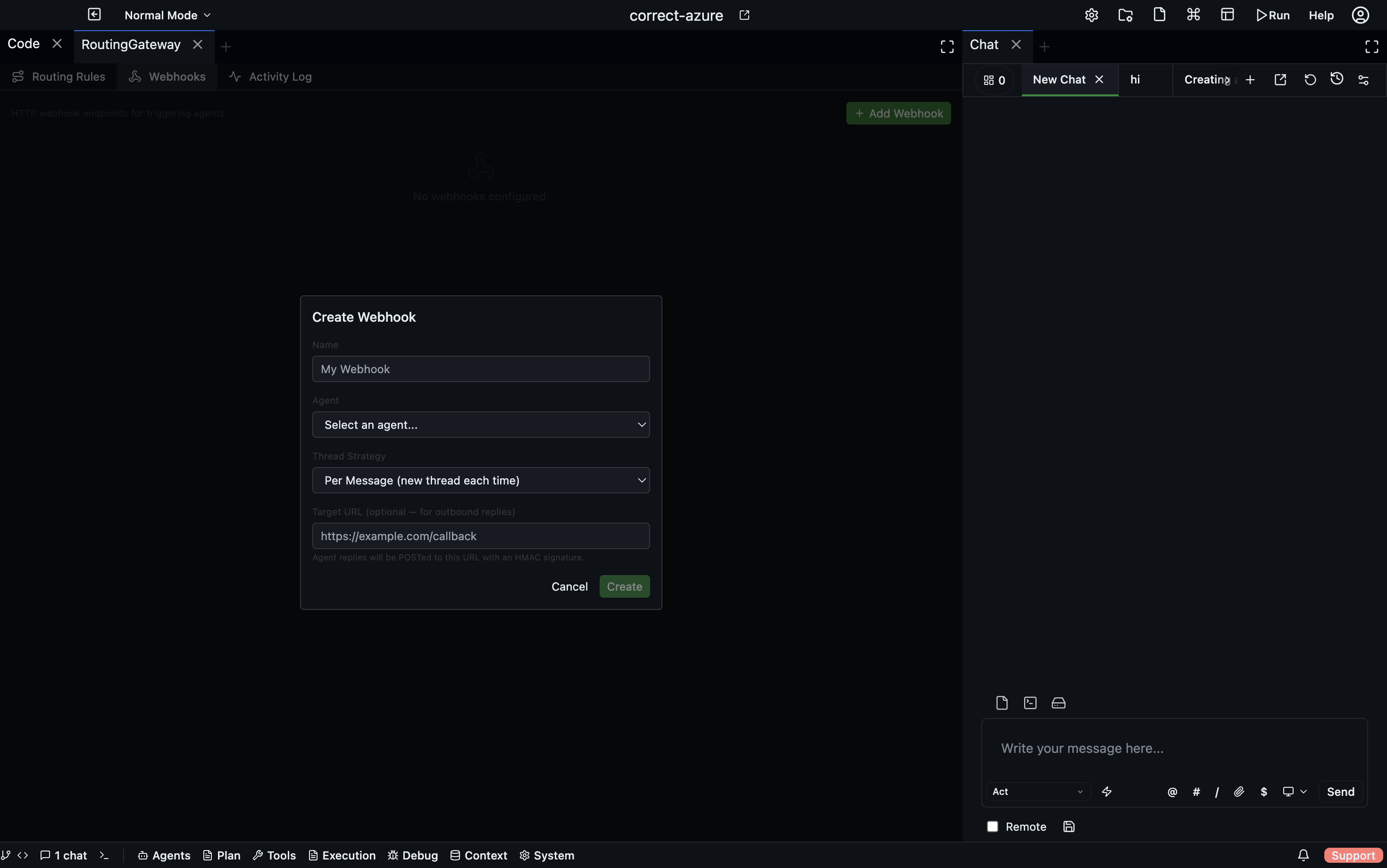
The Routing Gateway is Codebolt's central message router for external integrations. Every message that arrives from an external source — a webhook, a chat platform, a calendar event, or a hook — passes through the gateway before reaching an agent.
Open via: System Settings → Routing Gateway
What the gateway does
The gateway handles three things:
- Thread resolution — decides whether an incoming message belongs to an existing thread or needs a new one, based on the thread strategy
- Agent routing — delivers the message to the right agent, spawning one if none is running
- Response delivery — intercepts the agent's reply and routes it back to the originating platform
Gateway panels
Routing Rules tab
A unified view of every active integration — webhooks and channel plugins side by side. Each row shows:
| Column | Description |
|---|---|
| Source | webhook or channel |
| Name | The integration name |
| Agent | Which agent handles messages from this source |
| Thread strategy | How threads are assigned |
| Status | Active or disabled |
Webhooks tab
Create and manage HTTP webhook endpoints. See Automation → Webhooks for the full reference.
Activity Log tab
A real-time feed of every message the gateway has processed:
| Column | Description |
|---|---|
| Timestamp | When the message arrived |
| Source | webhook, channel, hook, or calendar |
| Action | routed-to-running, spawned-new, or failed |
| Thread ID | Which thread received the message |
| Agent | Which agent handled it |
| Duration | How long routing took |
| Error | Failure reason, if any |
Filter by source type to focus on a specific integration. Clear the log with the Clear button.
Thread strategies
The thread strategy tells the gateway how to map incoming messages to Codebolt threads.
| Strategy | When to use |
|---|---|
single | All messages from this source share one thread — good for a single-user bot |
per-user | One thread per userId in the message — good for multi-user chat bots |
per-conversation | One thread per externalThreadId — maps a Slack channel or Telegram chat to one thread |
per-message | Fresh thread for every message — stateless, fire-and-forget tasks |
existing | Route to a specific known thread ID |
Gateway message format
Every source produces a GatewayMessage in the same format:
{
  "source": "channel",
  "sourceId": "my-telegram-bot",
  "agentId": "agent-uuid",
  "threadStrategy": "per-user",
  "userId": "telegram-user-123",
  "externalThreadId": "chat-456",
  "text": "Can you review PR #42?",
  "metadata": { "platform": "telegram", "senderName": "Alice" },
  "replyTo": {
    "channelId": "my-telegram-bot",
    "externalThreadId": "chat-456",
    "userId": "telegram-user-123"
  }
}
Manual routing (testing)
Send a test message through the gateway without an external source by calling POST /gateway/route directly with a GatewayMessage body. Useful for verifying a new integration before connecting the live platform.
Response delivery
When an agent produces a reply on a gateway-managed thread, the Response Router intercepts the message and delivers it back through replyTo:
- For webhooks with a
targetUrl— POSTs the reply with an HMAC signature - For channel plugins — sends a
gateway.replyWebSocket message to the plugin, which forwards it to the platform - Listeners expire after 30 minutes to prevent stale delivery