Running a Swarm
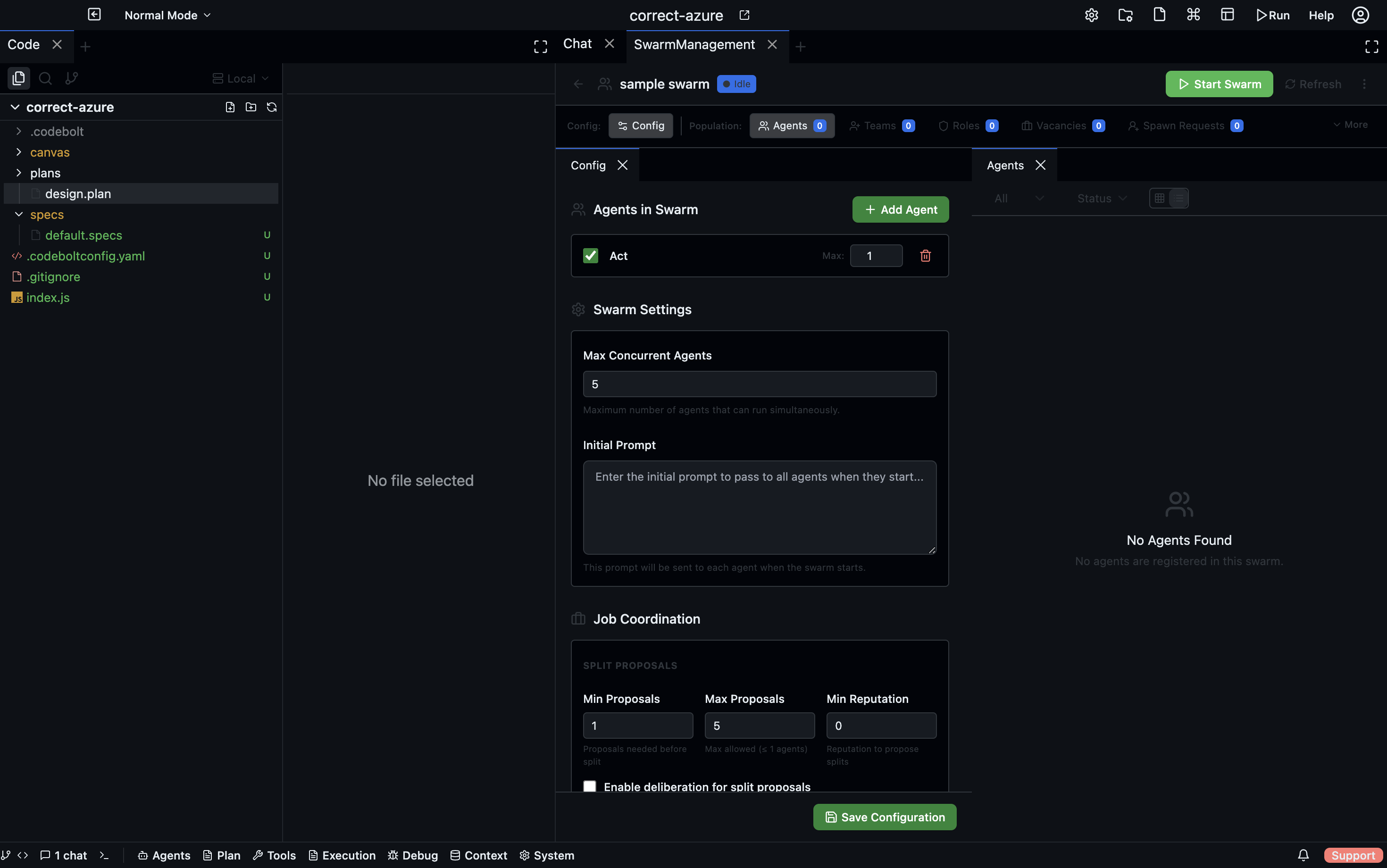
A swarm is a dynamic group of agents cooperating on a task. Unlike a flow (which is a fixed graph), a swarm's shape can change at runtime — agents spawn, communicate, and finish independently.
This page is about running swarms. For designing them, see Multi-Agent Orchestration.
Starting a swarm run
Two ways:
From a swarm-shaped agent
Some agents are orchestrators that spawn swarms internally:
codebolt agent start code-review-swarm --task "review the current branch"
The orchestrator decides how many workers to spawn and how they coordinate. From your point of view, it's a single codebolt agent start.
From a flow with dynamic nodes
A flow can contain a swarm node that spawns a configurable number of workers:
# simplified
nodes:
  - id: workers
    type: swarm
    agent: worker
    input: { task: "{{inputs.task}}" }
    size: 5            # spawn 5 workers
    strategy: map-reduce
Run with codebolt flow run ....
Watching a swarm
- Desktop
- CLI
- HTTP API
Agents panel → swarm run → swarm tree view:
orchestrator (run_xyz)           ▶ running
├── worker-1 (run_aaa)           ✓ done
├── worker-2 (run_bbb)           ▶ running
├── worker-3 (run_ccc)           ✗ failed
└── worker-4 (run_ddd)           ⏸ waiting
Click any worker to see its individual trace.
codebolt agent tree <orchestrator-run-id>
Shows the tree of parent and child runs. Add --watch for live updates.
GET /api/runs/:runId/tree
GET /api/runs/:runId/events    # SSE — descendents included
Observing coordination
Swarms communicate via:
- Direct messages — one agent sends to another via
codebolt_agent.startor inbox. - Shared state — KV store, knowledge graph, shared memory.
- Stigmergy — indirect coordination via shared state changes (see Stigmergy).
All three produce events on the bus. Watch them with:
codebolt events watch --filter "descendent_of <orchestrator-run-id>"
Or filter to just agent messages:
codebolt events watch --type agent.message --filter "descendent_of <orchestrator-run-id>"
Stopping a swarm
Stopping the orchestrator stops all its descendants. Children get a stop signal at the next phase boundary and exit cleanly. In-flight tool calls finish or time out; no partial file writes.
- CLI
- Desktop
- HTTP API
codebolt agent stop <orchestrator-run-id>      # graceful, recursive
codebolt agent kill-tree <orchestrator-run-id> # force, only when hung
In the swarm tree view, click the orchestrator row → Stop (graceful) or Force kill tree (only when hung).
POST /api/runs/:runId/stop      # graceful, cascades
POST /api/runs/:runId/kill-tree # force
Failed workers
When a worker fails, the orchestrator decides what to do. Typical policies:
- Fail-fast — one worker failure aborts the whole swarm.
- Best-effort — collect results from successful workers, ignore failures.
- Retry — re-spawn failed workers up to a cap.
The orchestrator's code (or flow definition) determines which policy. Check the orchestrator's logs if swarm behaviour is unexpected.
Resource limits
Swarms can spawn many agents. Limits apply:
- Per-swarm concurrency — max workers alive at once (set in the orchestrator or flow).
- Per-workspace concurrency — server-wide cap on concurrent agent processes.
- Per-user concurrency — cap on all your agents across projects.
A worker that can't spawn because a limit is hit queues up and starts when capacity frees.
Cost visibility
Every child run's cost rolls up to the orchestrator:
codebolt agent cost <orchestrator-run-id>
Shows total across all descendants. For large swarms, this is where you notice when multi-agent is burning money.