Vector DB
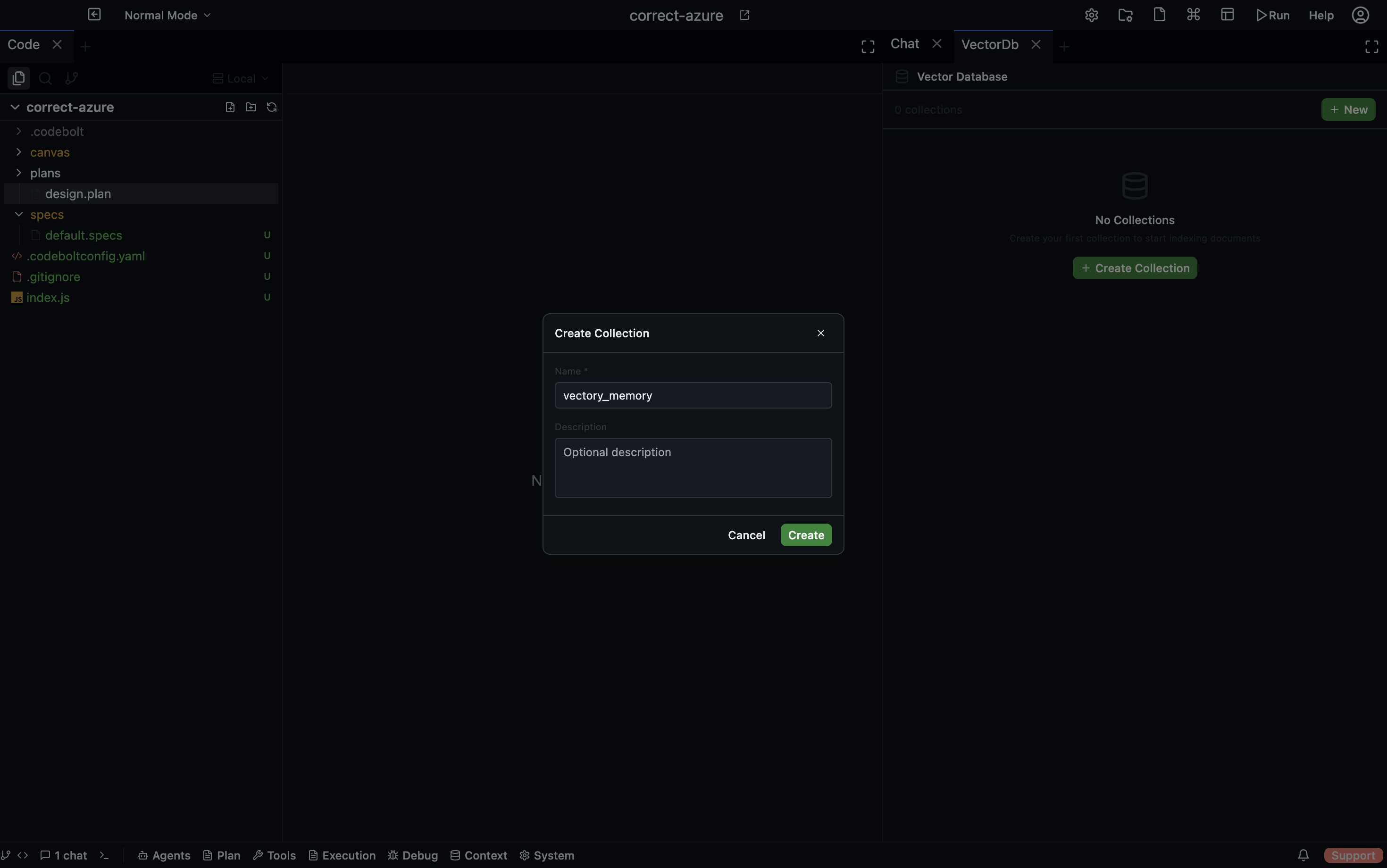
The Vector DB component manages collections of vector embeddings for semantic search across project files and arbitrary text. It is backed by SQLite with the sqlite-vec extension for K-nearest-neighbor (KNN) similarity search, and FTS5 for hybrid search that combines BM25 keyword scoring with vector similarity via Reciprocal Rank Fusion.
Storage Layout
Database
All vector data lives in the shared project database:
{projectPath}/.codebolt/db/project.db
The database runs in WAL (Write-Ahead Logging) mode for concurrent read/write performance.
Tables
| Table | Purpose |
|---|---|
vec_documents | Stores documents — columns: collection, uri, doc_text, hash, metadata |
vec_chunks | Stores chunks of documents — columns: document_id, collection, chunk_text, start_pos, end_pos |
vec_collections | Collection metadata — columns: embedding_dim, embedding_model |
vec_{collectionId} | Per-collection virtual table (sqlite-vec vec0) used for KNN search |
vec_chunks_fts | FTS5 virtual table over vec_chunks for full-text keyword search |
Collection Metadata on Disk
{projectPath}/.codebolt/vectordb/{collectionId}/
Each collection directory contains JSON files for collection info and settings.
Database Migrations
Five migrations run in order:
vec_documentstablevec_chunkstablevec_collectionstable- FTS5 virtual table + triggers
vec_migrationstracking table
Embedding
Embedding converts text into fixed-dimension vectors. The Vector DB routes embedding requests to one of several providers:
- Local ONNX model —
all-MiniLM-L6-v2, dimension 384 - Cloud providers — OpenAI (dimension 1536), Voyage, and others
The provider and model are selected from project settings. Different models produce different embedding dimensions:
| Model | Dimension |
|---|---|
| all-MiniLM-L6-v2 (local) | 384 |
| OpenAI | 1536 |
The default dimension is 1536 when no model is explicitly configured.
Document Processing Flow
When a document is indexed, the following steps execute:
upsertDocument(uri, text)is called.- The document type is detected from the URI file extension.
- If the extension is supported (js, jsx, ts, tsx, py, rs, go, cpp, hpp, c, h, cs, rb, java, php, swift — 16 languages): AST-aware chunking via tree-sitter.
- Otherwise:
TextSplitterwith language-specific separators. - Chunks are processed in batches of 10 for embedding.
- Each chunk is stored in
vec_chunksand its embedding is inserted into thevec0virtual table. - Progress callbacks are emitted during processing.
Indexing Events
| Event | When |
|---|---|
indexing-started | Processing begins for a document |
indexing-progress | After each batch of chunks is embedded and stored |
indexing-completed | All chunks processed successfully |
indexing-failed | An error occurred during processing |
Chunking Strategies
TextSplitter
Used for unsupported file types and as a fallback.
- Configurable
chunk_sizeandchunk_overlap - Language-specific separator hierarchies (default, markdown, typescript, javascript, python, JSON)
- Splits by separators in priority order, respects token counts
ASTChunker (tree-sitter)
Used for supported source code files:
Supported extensions: js, jsx, ts, tsx, py, rs, go, cpp, hpp, c, h, cs, rb, java, php, swift
Behavior:
- Parses the file into an AST using tree-sitter
- Extracts function, class, and method definitions as individual chunks
- Splits large classes into a header chunk plus individual method chunks
- Preserves signature context for sub-chunks (the parent function/class signature is prepended)
- Falls back to
TextSplitterif the parse fails
Query Mechanics
When a query is executed:
- The query text is embedded into a vector using the collection's configured model.
- KNN search runs via
sqlite-vec: finds the top-K most similar chunks by cosine distance. - Optional hybrid search: if enabled, an FTS5 BM25 keyword search runs in parallel.
- Reciprocal Rank Fusion (RRF): merges KNN and BM25 result rankings into a combined score.
- Results are grouped by document and sorted by the best chunk score within each document.
- The response includes: document URI, relevance score, and matching text sections with line numbers.
Defaults
| Parameter | Default |
|---|---|
| Max documents returned | 10 |
| Max chunks returned | 50 |
Collection Settings
Each collection has a VectorDbSettings object that controls its behavior:
| Setting | Description |
|---|---|
embeddingModel | Which embedding model to use |
embeddingProvider | Local ONNX or a cloud provider |
chunkSize | Number of tokens per chunk (default from project config) |
chunkOverlap | Overlap in tokens between consecutive chunks |
searchMode | vector (KNN only) or hybrid (KNN + BM25 via RRF) |
topK | Default number of results to return |
minScore | Minimum similarity threshold — results below this score are excluded |
WebSocket Events
The Vector DB emits real-time events over WebSocket:
Collection lifecycle:
collection-createdcollection-updatedcollection-deleted
Document lifecycle:
document-addeddocument-deleted
Chunk lifecycle:
chunks-addedchunk-deleted
Indexing progress:
indexing-startedindexing-progressindexing-completedindexing-failed
REST API
Collections
| Method | Endpoint | Description |
|---|---|---|
| POST | /vectorDB/collections | Create a new collection |
| GET | /vectorDB/collections | List all collections |
| PUT | /vectorDB/collections | Update a collection |
| DELETE | /vectorDB/collections | Delete a collection |
Documents
| Method | Endpoint | Description |
|---|---|---|
| POST | /vectorDB/collections/:id/documents | Upsert a document (insert or update by URI) |
| GET | /vectorDB/collections/:id/documents | List documents in a collection |
| DELETE | /vectorDB/collections/:id/documents | Delete a document by URI |
Chunks
| Method | Endpoint | Description |
|---|---|---|
| GET | /vectorDB/collections/:id/chunks | List chunks in a collection |
| POST | /vectorDB/collections/:id/chunks | Add chunks manually |
| DELETE | /vectorDB/collections/:id/chunks/:chunkId | Delete a specific chunk |
Query
| Method | Endpoint | Description |
|---|---|---|
| POST | /vectorDB/collections/:id/query | Run a semantic (or hybrid) search query |
Settings
| Method | Endpoint | Description |
|---|---|---|
| GET | /vectorDB/collections/:id/settings | Get collection settings |
| PUT | /vectorDB/collections/:id/settings | Update collection settings |
SDK Reference
The codebolt.vectordb module exposes the following methods:
Create a Collection
const collection = await codebolt.vectordb.createCollection({
  name: "my-docs",
  embeddingModel: "all-MiniLM-L6-v2",
  embeddingProvider: "local"
});
Upsert a Document
await codebolt.vectordb.upsertDocument(collectionId, {
  uri: "src/index.ts",
  text: fileContents
});
Query Documents
const results = await codebolt.vectordb.queryDocuments(collectionId, {
  query: "authentication middleware",
  topK: 5,
  searchMode: "hybrid"
});
Delete a Document
await codebolt.vectordb.deleteDocument(collectionId, "src/index.ts");
Add a Chunk
await codebolt.vectordb.addChunk(collectionId, {
  documentId: docId,
  chunkText: "function authenticate(req, res, next) { ... }",
  startPos: 0,
  endPos: 120
});
Delete a Chunk
await codebolt.vectordb.deleteChunk(collectionId, chunkId);