Knowledge
The Knowledge component provides document-level knowledge management with configurable automatic chunking. It handles file upload, URL import, and raw text input, storing everything as JSON files on disk with no database dependency.
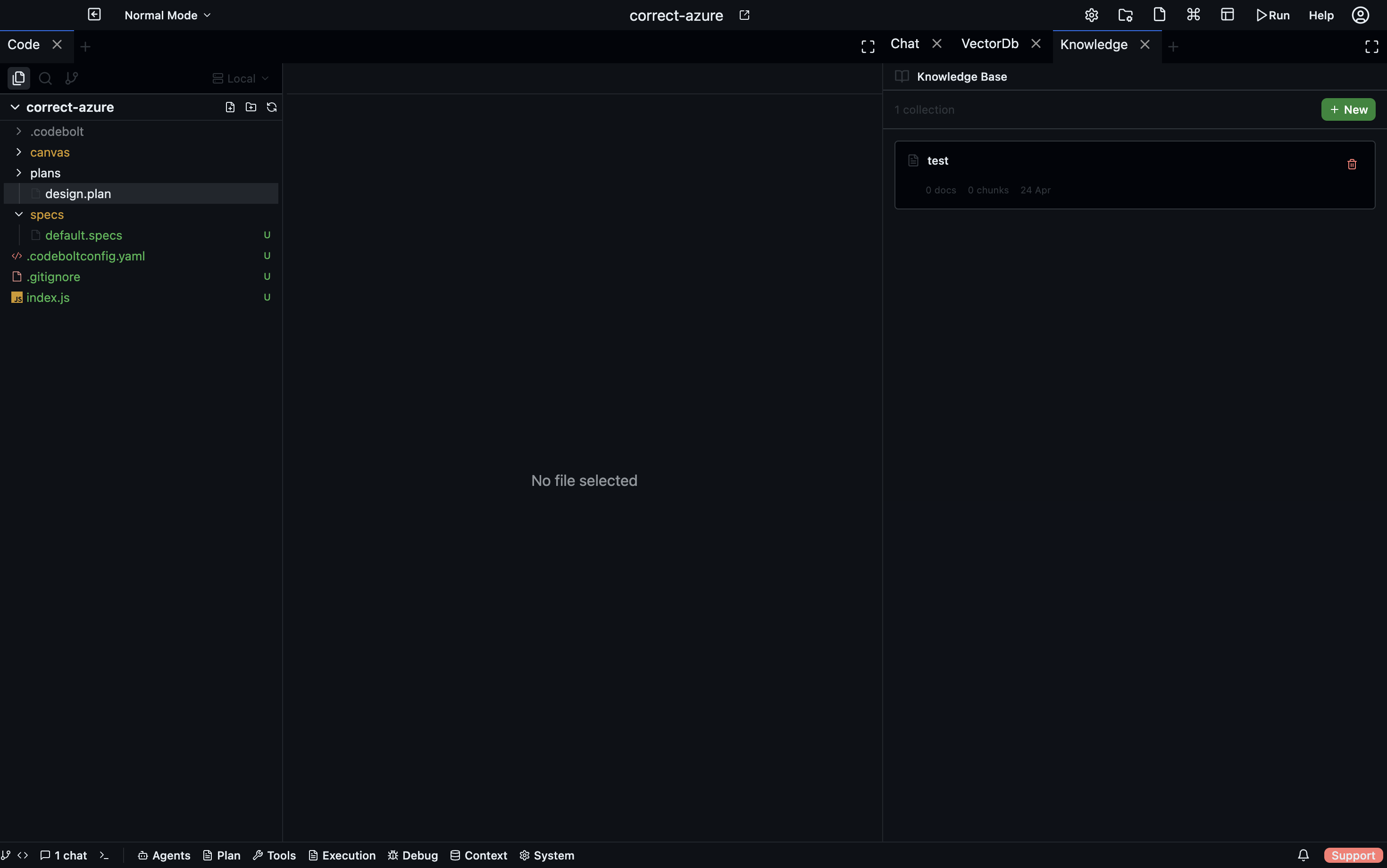
Storage Layout
All knowledge data lives under the project directory in a flat file structure:
{projectPath}/.codebolt/knowledge/{collectionId}/
  collection.json            # Collection metadata (name, description, timestamps)
  chunkingsettings.json      # Per-collection chunking configuration
  documents/
    {documentId}/
      document.json           # Document metadata (name, type, status, chunkCount)
      original.{ext}          # Original uploaded/fetched content
      chunks.json             # Array of generated chunks
There is no SQLite or other database involved. Every read and write goes directly to JSON files on the filesystem.
Document Processing Flow
When a document is added to a collection, it goes through an asynchronous processing pipeline:
addDocument(collectionId, request)creates the document entry withstatus='pending'.- An async
processDocument()call is triggered. - Status transitions to
'processing'; emits thechunking-startedWebSocket event. - The service reads the collection's
chunkingsettings.jsonand selects a chunking strategy based on the file extension. - Calls
knowledgeChunkingService.chunkContentWithSettings()with the selected strategy and options. - Progress callbacks emit
chunking-progressevents throughout processing. - Generated chunks are saved via
saveChunks(), and the document'schunkCountis updated. - Status transitions to
'completed'; emitschunking-completed. - On any error: status transitions to
'failed'with the error message attached.
URL Import
The addDocumentFromUrl(url) method fetches remote content via HTTP with the following behavior:
- HTML stripping: removes
<script>,<style>,<nav>,<footer>,<header>,<aside>, and<iframe>tags entirely. - Entity handling: decodes common HTML entities (
,&, etc.). - Timeout: 30 seconds.
- User-Agent:
Mozilla/5.0 (compatible; CodeBolt/1.0; Knowledge Fetcher).
Chunking Strategies
Six built-in strategies are available. Each collection can set a default strategy and per-file-type overrides.
1. fixed_size
Splits text into chunks of a fixed character or token count.
| Parameter | Default | Description |
|---|---|---|
chunkSize | 500 | Characters per chunk |
overlap | 50 | Overlapping characters between consecutive chunks |
Simple sequential splitting with no awareness of content boundaries.
2. recursive
Hierarchical splitting that tries the largest separator first and falls back to progressively smaller ones.
| Parameter | Default | Description |
|---|---|---|
chunkSize | 500 | Target characters per chunk |
overlap | 50 | Overlapping characters between chunks |
separators | ["\n\n", "\n", ". ", " "] | Ordered list of separators to try |
This is the default strategy for most file types.
3. semantic
Groups content by paragraph and sentence boundaries as a proxy for semantic similarity.
| Parameter | Default | Description |
|---|---|---|
maxChunkSize | 1000 | Maximum characters per chunk |
minChunkSize | 100 | Minimum characters per chunk |
similarityThreshold | — | Threshold for grouping (simplified; true semantic chunking requires embeddings) |
This is a simplified implementation that uses structural boundaries rather than embedding-based similarity.
4. sentence
Splits by sentence-ending punctuation ([.!?]+) and groups a configurable number of sentences per chunk.
| Parameter | Default | Description |
|---|---|---|
maxSentencesPerChunk | 5 | Number of sentences per chunk |
overlap | 1 | Number of overlapping sentences between chunks |
5. paragraph
Splits by double newlines (\n\s*\n) and groups paragraphs.
| Parameter | Default | Description |
|---|---|---|
maxParagraphsPerChunk | 3 | Number of paragraphs per chunk |
overlap | 0 | Number of overlapping paragraphs between chunks |
6. markdown
Parses markdown structure including headings, code blocks, lists, and paragraphs.
| Parameter | Default | Description |
|---|---|---|
maxChunkSize | 1000 | Maximum characters per chunk |
preserveCodeBlocks | true | Keep code blocks as atomic units |
preserveLists | true | Keep lists as atomic units |
includeHeadingsInChunks | true | Prefix chunks with their heading hierarchy |
This strategy is automatically selected for .md files in the default configuration.
Default Chunking Settings
Every new collection is initialized with the following chunkingsettings.json:
{
  "defaultStrategy": "recursive",
  "defaultOptions": {
    "chunkSize": 500,
    "overlap": 50
  },
  "fileTypeOverrides": {
    ".md": {
      "strategy": "markdown",
      "options": {
        "maxChunkSize": 1000
      }
    },
    ".json": {
      "strategy": "fixed_size",
      "options": {
        "chunkSize": 500
      }
    }
  }
}
The fileTypeOverrides map matches the original file's extension to a specific strategy and options. Any extension not listed falls back to defaultStrategy with defaultOptions.
Token Estimation
The system uses a rough approximation of ~4 characters per token for chunk metadata. This is used for informational purposes in chunk metadata fields, not for actual embedding generation.
Collection Operations
| Operation | Behavior |
|---|---|
| Create | Generates a UUID, creates the directory structure, saves collection.json and default chunkingsettings.json |
| List | Reads all collection directories, sorts by updatedAt descending |
| Update | Modifies name and/or description fields in collection.json |
| Delete | Removes the entire collection directory recursively |
WebSocket Events
The following events are emitted during knowledge operations:
| Event | Trigger |
|---|---|
collection-created | New collection created |
collection-updated | Collection metadata modified |
collection-deleted | Collection removed |
document-added | New document added to a collection |
document-deleted | Document removed |
chunking-started | Document processing begins |
chunking-progress | Progress update during chunking |
chunking-completed | Document successfully chunked |
chunking-failed | Chunking encountered an error |
chunk-updated | Individual chunk edited |
REST API
Collections
| Method | Endpoint | Description |
|---|---|---|
POST | /knowledge/collections | Create a new collection |
GET | /knowledge/collections | List all collections |
PUT | /knowledge/collections/:id | Update collection metadata |
DELETE | /knowledge/collections/:id | Delete a collection and all its documents |
Documents
| Method | Endpoint | Description |
|---|---|---|
POST | /knowledge/collections/:id/documents | Upload a document (file or raw text) |
POST | /knowledge/collections/:id/documents/url | Import a document from a URL |
GET | /knowledge/collections/:id/documents | List documents in a collection |
GET | /knowledge/documents/:documentId?collectionId= | Get a specific document |
DELETE | /knowledge/documents/:documentId?collectionId= | Delete a document |
POST | /knowledge/documents/:documentId/rechunk?collectionId= | Re-chunk a document with current settings |
Chunks
| Method | Endpoint | Description |
|---|---|---|
PUT | /knowledge/chunks/:chunkId?documentId=&collectionId= | Update a specific chunk's content |
Settings and Strategies
| Method | Endpoint | Description |
|---|---|---|
GET | /knowledge/collections/:id/settings | Get chunking settings for a collection |
PUT | /knowledge/collections/:id/settings | Update chunking settings |
GET | /knowledge/strategies | List all available chunking strategies |
GET | /knowledge/strategies/:strategy/options | Get configurable options for a strategy |