Skills
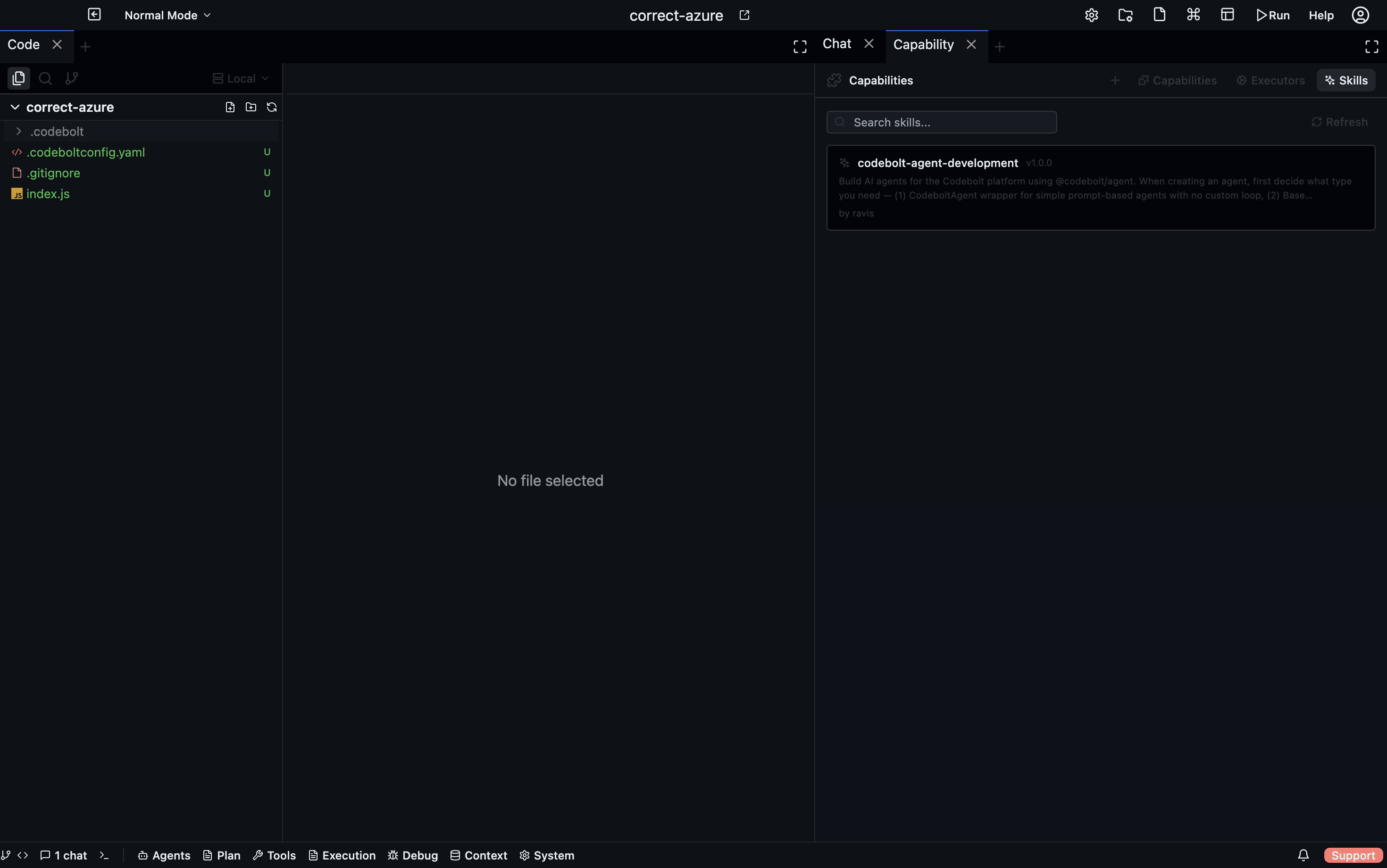
Skills are a specialised capability type designed for direct invocation — by users via slash commands (/skill_name) or by agents during task execution. They are the primary way to extend what agents can do from the marketplace.
Skills vs Capabilities
| Skills | Capabilities | |
|---|---|---|
| Invocation | Slash command or agent call | Agent call only |
| Discovery | Marketplace registry (skills.json) | Filesystem scan |
| Scope | User-facing, interactive | Internal agent logic |
| Configuration | JSON registry entry | capability.yaml file |
Skills are capabilities with type: skill — the distinction is primarily in how they are surfaced and invoked.
Finding skills
Open the Capabilities panel → Skills tab (Agents dropdown → Capabilities). The tab shows all available skills from the marketplace with:
- Name and description
- Author and version
- Category and tags
- Status (enabled / disabled)
Use the search bar to filter by name, description, or author. Filter by category to browse a specific domain.
Installing a skill
Click a skill in the marketplace list to view details, then click Download. The skill is installed to ~/.codebolt/skills.json and becomes available globally.
Using a skill
Once installed, a skill can be invoked:
- Via slash command — type
/skill_namein the chat input. Codebolt routes the command to the matching skill. - By an agent — agents that know a skill is available can invoke it by name during their reasoning loop.
Skill registry format
The skills registry (~/.codebolt/skills.json) is a flat list:
[
  {
    "skill_id": "summarise-pr",
    "unique_id": "summarise-pr@1.0.0",
    "name": "Summarise PR",
    "description": "Generates a pull request summary from the diff and commit history",
    "author": "codeboltai",
    "version": "1.0.0",
    "category": "git",
    "tags": ["git", "pr", "summarisation"],
    "status": true
  }
]
Set "status": false to disable a skill without uninstalling it.