Browser Control
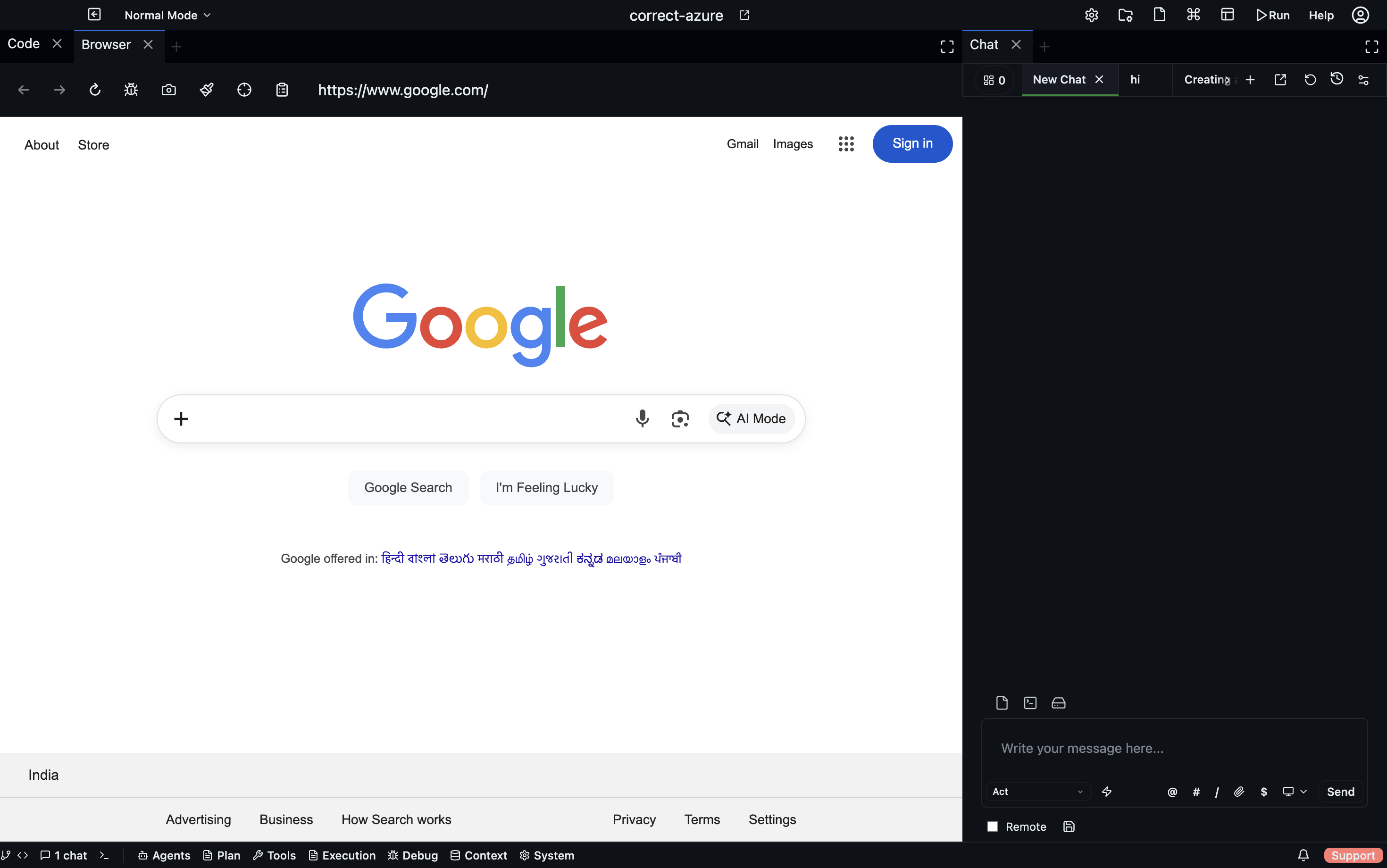
Agents can control a headless browser via codebolt_browser. Used for:
- Testing web apps (load a page, check for elements, run interactions).
- Scraping documentation or API references during an agent run.
- Live debugging of running apps.
- Visual regression checks.
Prerequisites
Codebolt ships with a bundled headless browser runtime (Chromium-based). No separate install required. First use downloads any missing browser assets.
The tools
codebolt_browser.browser_action— the main tool. Takes an action (navigate,click,type,screenshot,get_content,evaluate) and an optional selector.codebolt_debug.debug_open_browser— open a browser with devtools enabled for debugging.
Example sequence an agent might run:
browser_action(navigate, url="http://localhost:3000")
browser_action(get_content, selector="h1")
browser_action(click, selector="#submit")
browser_action(screenshot) → returns a PNG inline
Giving an agent browser access
Add to the agent's allowlist:
tools:
  allow:
    - codebolt_browser.*
By default, only generalist and debugger have browser access. Other built-ins don't need it.
Security considerations
Browser access is powerful — an agent with it can visit any URL, interact with any page, exfiltrate content. Restrict it:
- Scope by URL — use a hook to deny
browser_actionwith URLs outside an allowlist. - No authentication surfaces — don't let agents navigate to login pages; credentials should be injected before the browser phase.
- No private IPs — guardrails should deny access to localhost, 169.254.169.254 (cloud metadata), and private IP ranges unless explicitly allowed.
Default guardrails include these restrictions. Customise in .codebolt/guardrails.yaml.
Local vs remote pages
For testing your own app, point at http://localhost:3000 or wherever your dev server runs. Codebolt's browser has network access to your local machine.
For external sites (scraping docs, checking APIs), remember: the browser is making real requests with your IP. Don't let agents hammer a site — add rate limiting via a hook.
The debug browser
codebolt_debug.debug_open_browser opens a visible browser with devtools attached. Unlike browser_action, this is interactive — you see what the agent sees.
Use when diagnosing "why is my frontend test failing" kind of issues.
Integration with Ctrl+K
Codebolt can open the current app in a browser for visual inspection while you use Ctrl+K to tweak the code. The browser stays in sync with file changes (hot reload permitting).