Chat Widget
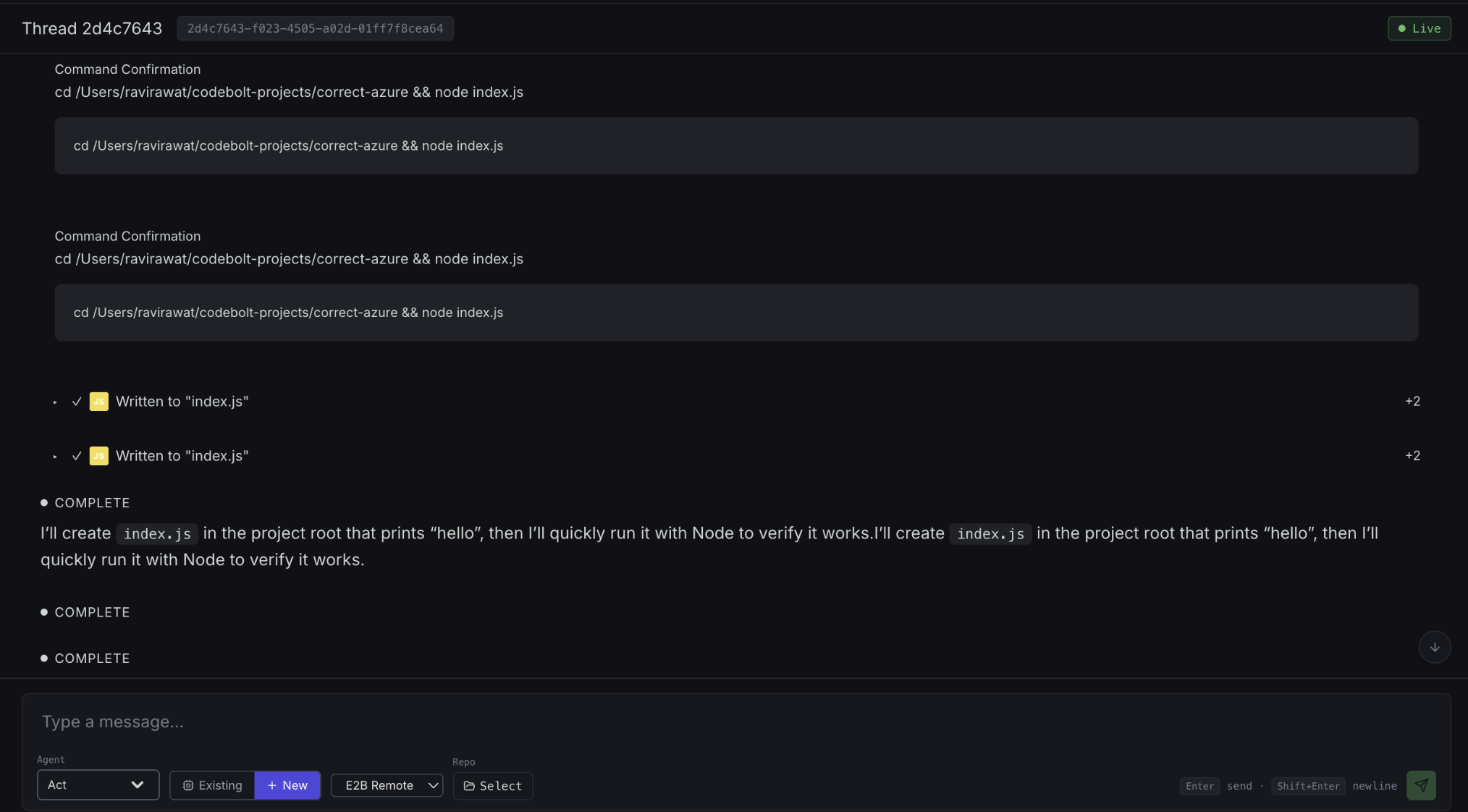
An embeddable chat UI you can drop into another web app. Lets users in your product talk to Codebolt agents without opening the full Codebolt app.
Shipped as packages/chat-widget — a small JavaScript bundle that connects to a Codebolt server and renders a chat panel.
When to use it
- Your app has a "talk to an assistant" feature and you want it backed by Codebolt agents.
- Users shouldn't need a full Codebolt install. Embedded access is enough.
- You want to customise the UI — branding, positioning, events.
Embedding
<script src="https://codebolt.my-org.com/widget/v1/codebolt-widget.js"></script>
<script>
  CodeboltWidget.mount({
    target: "#chat-container",
    server: "https://codebolt.my-org.com",
    token: "<session-token-from-your-backend>",
    agent: "customer-support",
    theme: "light",
  });
</script>
The widget connects to the specified server using the provided token and starts a chat with the specified agent.
Authentication
The widget needs a session token to identify the user. Two patterns:
Backend-issued tokens (recommended)
Your backend calls the Codebolt admin API to mint a session token on behalf of an authenticated user:
// In your backend
const token = await codeboltAdmin.createSessionToken({
  user: { external_id: user.id, email: user.email },
  agent: "customer-support",
  ttl_seconds: 3600,
});
return token;
The widget embeds this token. When it expires, you mint a new one.
Anonymous / public tokens
For unauthenticated use cases (public demo, pre-login help), mint an anonymous token with a very restricted scope:
const token = await codeboltAdmin.createAnonymousSessionToken({
  agent: "public-demo",
  rate_limit: { messages: 10, duration_minutes: 60 },
});
Rate-limit anonymous tokens aggressively — otherwise they're an abuse surface.
Customisation
Widget props:
CodeboltWidget.mount({
  target: "#chat-container",
  server: "...",
  token: "...",
  agent: "...",

  // Visual
  theme: "light" | "dark" | "auto" | "custom",
  customTheme: { primary: "#..", bg: "#..", text: "#.." },
  position: "bottom-right" | "bottom-left" | "inline",
  height: 600,
  width: 400,

  // Behaviour
  placeholder: "How can I help?",
  welcomeMessage: "Hi! Ask me anything.",
  allowFileUpload: false,
  allowMarkdown: true,

  // Events
  onOpen: () => { /* ... */ },
  onClose: () => { /* ... */ },
  onMessage: (msg) => { /* ... */ },
  onError: (err) => { /* ... */ },
});
Controlling which agent responds
The agent prop binds the widget to a specific agent. This agent is typically a custom one you've built for your app — e.g. a "customer-support" agent with tools for your support knowledge base.
You can also let users pick from a list:
CodeboltWidget.mount({
  // ...
  agents: ["support", "sales", "technical"],
  defaultAgent: "support",
});
Server-side considerations
Widget use counts against your Codebolt server's capacity like any other user. Scale accordingly:
- Concurrent connections — each open widget is a WebSocket.
- LLM token usage — each message consumes tokens you pay for.
- Agent process limits — if every widget user spawns a dedicated agent, you may hit process limits.
For high-scale embedding, use a single shared background agent with per-user context isolation, rather than one process per user.
Styling
The widget ships with CSS variables you can override:
:root {
  --codebolt-primary: #3b82f6;
  --codebolt-background: #ffffff;
  --codebolt-text: #1f2937;
  --codebolt-border-radius: 12px;
  --codebolt-font-family: system-ui, sans-serif;
}
For deeper customisation, clone packages/chat-widget and modify.
See also
- Tools & MCP Overview
- Custom Agents Overview — for building the backing agent
- Self-Hosting → Security Hardening — for anonymous token management