Mail and Calendar
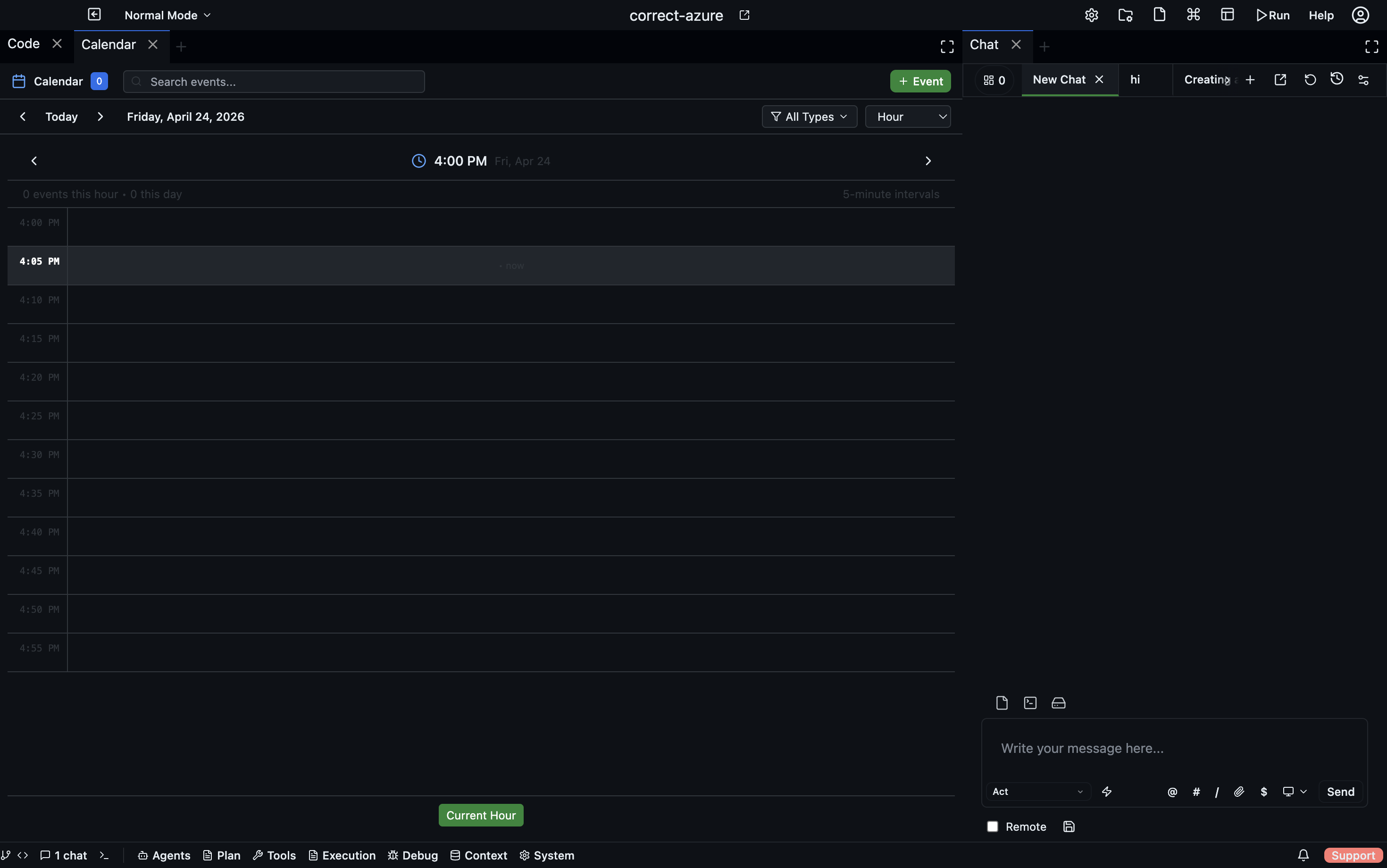
Codebolt has first-class integrations for email and calendar. Agents can read inboxes, send messages, schedule meetings, and trigger off of incoming mail. Used for:
- Automating repetitive email workflows (triage, follow-ups, responses).
- Scheduling work around team availability.
- Receiving webhook-equivalent data from senders without a webhook endpoint.
Supported providers
- Gmail / Google Calendar — OAuth
- Microsoft 365 / Outlook — OAuth
- IMAP + SMTP — for self-hosted or other mail systems
- CalDAV — generic calendar support
Connecting an account
- Desktop
- CLI
- Config file
Settings → Integrations → Mail (and Calendar). Click Connect, choose the provider, OAuth flow opens in a browser, you authorize, the account appears in the list.
codebolt integration add mail --provider gmail
codebolt integration add calendar --provider google
codebolt integration list
codebolt integration remove mail:my@email.com
The first command opens a browser for OAuth (or prints a device code on headless machines).
For IMAP/SMTP or self-hosted CalDAV, you can configure directly:
# .codebolt/integrations.yaml
mail:
  - name: work
    type: imap
    host: imap.my-org.com
    user: me@my-org.com
    password_env: WORK_MAIL_PW
calendar:
  - name: work
    type: caldav
    url: https://caldav.my-org.com
    user_env: WORK_CAL_USER
    password_env: WORK_CAL_PW
Mail tools
codebolt_mail.list_inbox— list recent messagescodebolt_mail.read_message— read a specific messagecodebolt_mail.send_message— send a new messagecodebolt_mail.reply— reply to a threadcodebolt_mail.mark_read,codebolt_mail.archive,codebolt_mail.label
All permission-gated. By default, no agent has mail write access.
Calendar tools
codebolt_calendar.list_events— upcoming eventscodebolt_calendar.create_event— schedule somethingcodebolt_calendar.update_event,delete_eventcodebolt_calendar.find_availability— "when are X and Y both free?"
Backed by calendarSchedulerService for the availability math.
Triggering an agent from incoming mail
Useful for "when an email arrives matching X, run agent Y". Configure in an agent manifest:
# .codebolt/agents/support-triage/agent.yaml
triggers:
  - type: mail
    match:
      from: "*@customer-domain.com"
      subject_contains: ["bug", "issue", "problem"]
When a matching email arrives, the agent is spawned with the email as input. The agent can reply, label, archive, or escalate depending on its prompt.
Scheduling agents around meetings
An agent can check your calendar before doing work that might conflict:
user: run the nightly build if I'm free tonight

agent:
  → calendar.find_availability(after: 19:00, duration: 2h)
  → found free slot 20:00-22:00
  → scheduling build for 20:00
Background agents can also self-schedule — a cron trigger can be combined with a calendar check to avoid running during "do not disturb" periods.
Security and scope
Mail and calendar access is sensitive. Best practices:
- Scope OAuth tightly. Grant only the permissions you need (read-only if the agent doesn't need to send).
- Allowlist agents carefully. Don't blanket-allow
codebolt_mail.*to every agent. - Audit send actions. Route every outgoing email through a review hook so you see what agents are sending.
- Dry-run for new agents. Test mail-sending agents in a dry-run mode that logs what they would send without actually sending.
# .codebolt/hooks/audit-mail.ts
export default {
  phase: "before_tool_call",
  match: { tool: "codebolt_mail.send_message" },
  handler: async (ctx) => {
    ctx.log.info("agent sending mail", { to: ctx.args.to, subject: ctx.args.subject });
    // You could also require human approval here:
    // return { verdict: "deny", reason: "mail send requires human approval" };
    return { verdict: "allow" };
  },
};
Rate limits
Mail providers have send limits (Gmail: ~500/day for free accounts, more for Workspace). Agents that send mail should be aware:
- Don't run mail-sending agents in tight loops.
- Batch sends where possible.
- Monitor provider quotas via
codebolt provider usage.