Preview & Browser
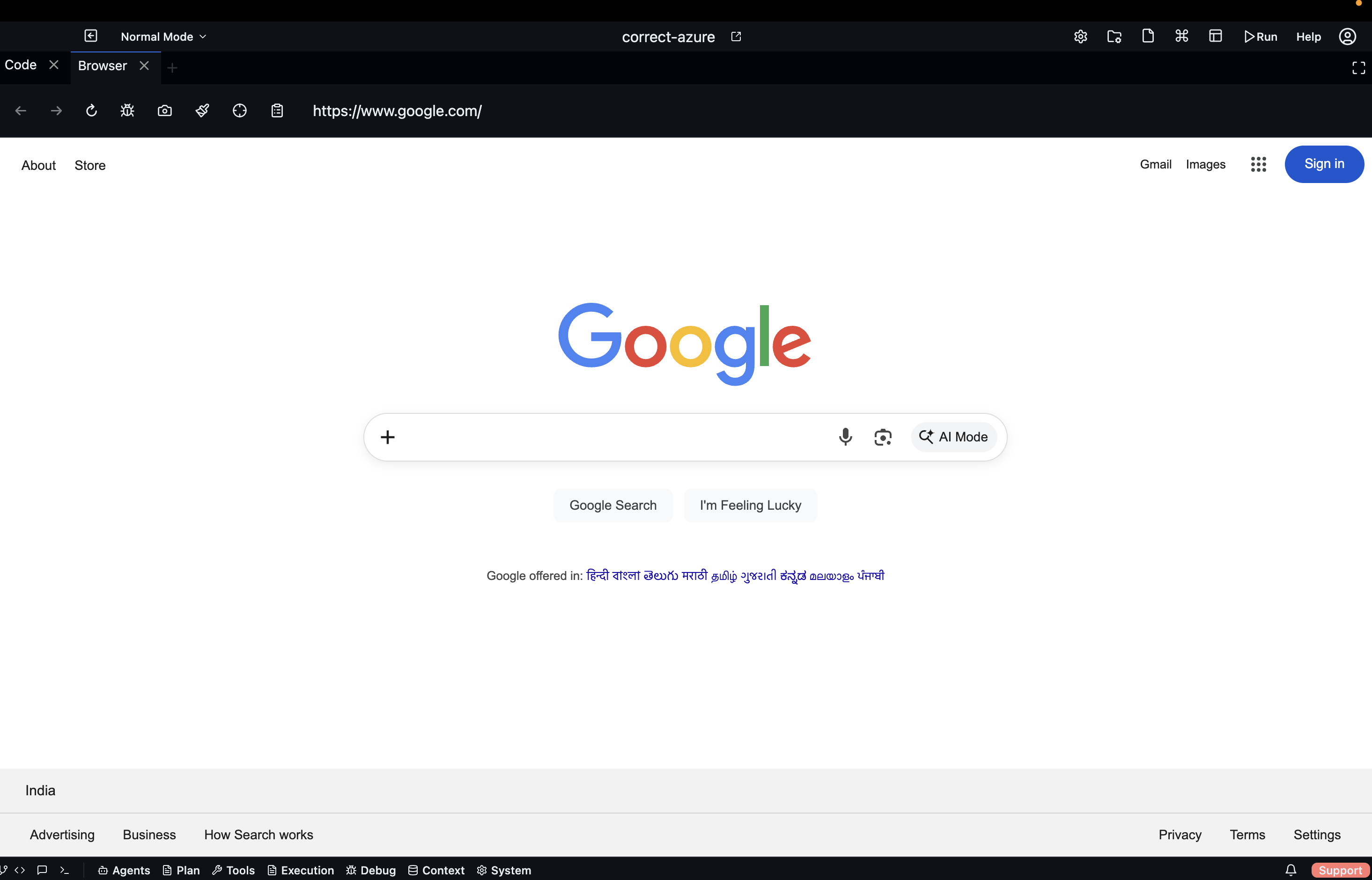
Codebolt includes two embedded web-viewing panels: Preview for live application previews and Browser for general web browsing and agent-driven browser automation.
Preview panel
The Preview panel renders your running application inside a sandboxed frame. Open it via:
- Debug Tools dropdown → Preview
- Command Palette → "Preview"
When your project has a dev server running (e.g., npm run dev, vite, next dev), the Preview automatically connects to localhost on the configured port. The URL bar at the top of the panel lets you navigate to any local address.
Live reload — if your dev server supports hot module replacement (HMR), the Preview refreshes automatically when you save a file. No manual browser refresh needed.
DevTools — right-click inside the Preview frame → Inspect to open a full browser DevTools panel (Elements, Console, Network) docked alongside the preview.
Browser panel
The Browser panel is a full embedded Chromium browser. Open it via:
- Tools dropdown → Browser
- Command Palette → "Browser"
Use it to:
- Look up documentation without leaving the app
- Test your deployed app against a real URL
- Let agents perform web research inline
Agent browser control
Agents with browser access can drive the Browser panel directly — navigating to URLs, clicking elements, filling forms, and taking screenshots. When an agent is controlling the browser, you'll see a "Agent controlling browser" indicator in the panel toolbar. You can interrupt at any time by clicking Stop.
Browser actions taken by agents are logged to the Event Log and visible in the Agent Debug panel in real time.
Switching between Preview and Browser
Both panels use the same panel slot and can be tabbed side-by-side in the Dockview layout. Drag either panel to rearrange its position alongside your code editor and chat.
Port configuration
If your dev server runs on a non-standard port, update it in Project Settings → Preview Port. Codebolt will proxy the correct port into the Preview frame.