Context Assembly
Every LLM call begins with a context window. Codebolt's Context Assembly Engine builds that window automatically — selecting, ranking, and token-budgeting information from all available memory stores before the call is made.
Understanding how assembly works tells you where to look when an agent is missing information it should have, or including noise it shouldn't.
What gets assembled
The assembled context contains ordered sections:
| Section | Contents | Priority |
|---|---|---|
state | Current task, active file, environment | Highest |
warnings | Memory misses, budget exceeded, validation errors | High |
constraints | Rules the agent must follow (guardrails, style guides) | High |
knowledge | Persistent memory results, explicit @mentions | Medium |
history | Recent turns from episodic memory | Medium |
suggestions | Lower-confidence recalled chunks | Low |
working_memory | Per-turn scratchpad content | Lowest |
Sections are packed into the token budget in priority order. If the budget is exhausted before all sections fit, lower-priority sections (suggestions, working_memory) are truncated or dropped.
The assembly pipeline
Assembly runs once per turn, before the LLM call.
Step 1 — Validate
The task text and any explicit @mention references are parsed. Invalid or unresolvable references (a file that no longer exists, a KV key that was deleted) are surfaced as warnings in the assembled context rather than silently dropped. The agent sees the warning and can decide how to handle it.
Step 2 — Evaluate context rules
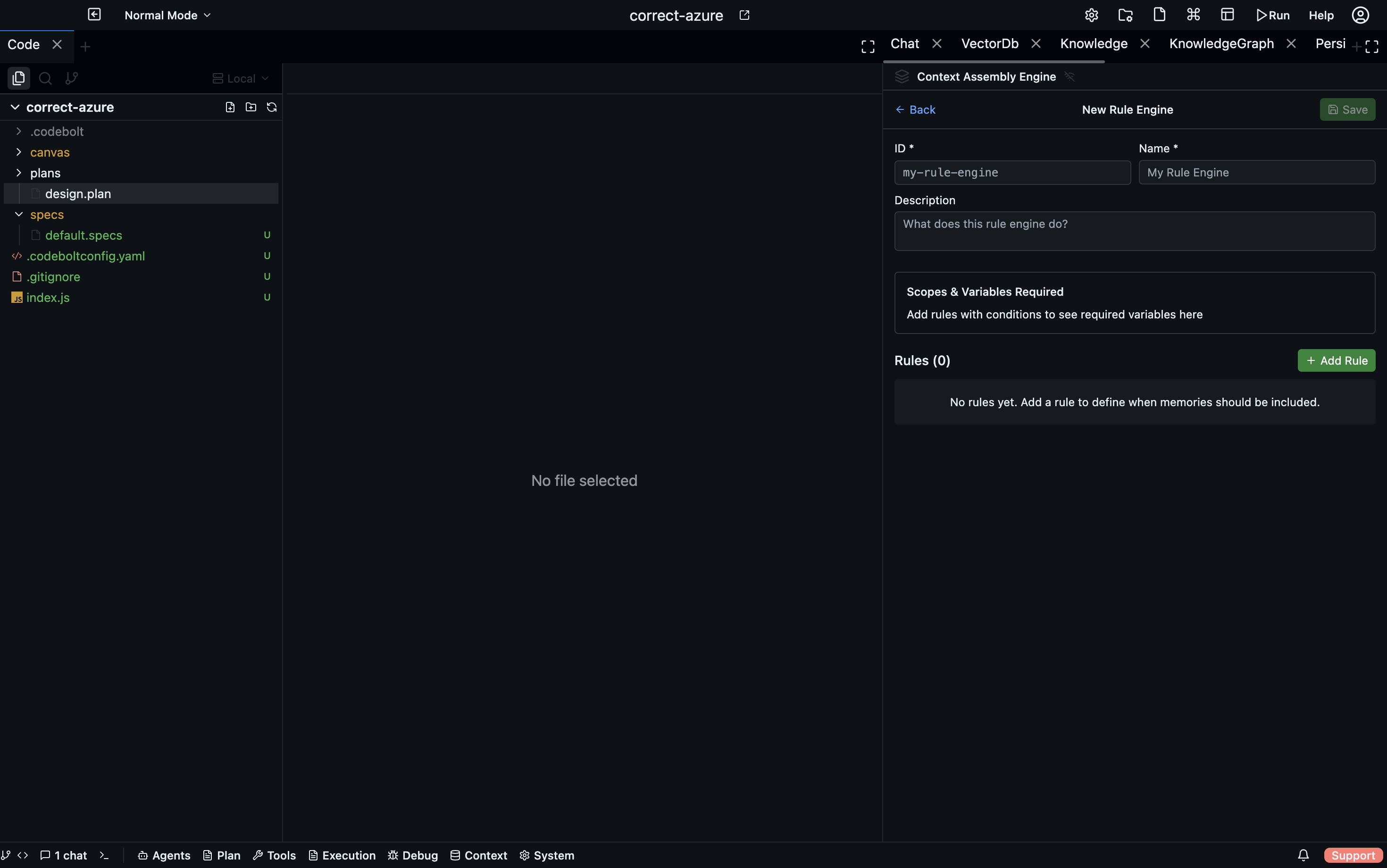
Context rules are JSON documents stored in .codebolt/ContextRuleEngine/. Each rule specifies a condition and an action:
- Condition — a field match against the current task (e.g., task text contains "refactor")
- Action — include or suppress a specific memory reference
Rules run in definition order; the first matching rule applies. See Context rules for the full DSL.
Step 3 — Execute persistent memory pipelines
All enabled persistent memory definitions are executed concurrently. Each pipeline runs a series of steps — vector search, graph queries, KV lookups — and returns a ranked, formatted list of relevant chunks. Results are cached with a short TTL so repeated queries on the same topic within a session don't re-run identical searches.
Step 4 — Merge and deduplicate
Outputs from all pipelines and explicit @mentions are merged. Duplicate content — the same chunk appearing in both a vector search result and an @mention — is deduplicated by content hash.
Step 5 — Apply contribution caps
Each memory source has a maximum token contribution. A cap prevents a single verbose source (such as a long event log search result) from crowding out everything else. Caps are configured in .codebolt/ContextRuleEngine/ alongside the condition rules.
Step 6 — Enforce the token budget
The merged, deduplicated, capped content is packed into the final context window in section priority order (state first, working_memory last). Anything that doesn't fit is truncated at section boundaries rather than mid-sentence.
Step 7 — Hand off to the LLM
The packed context is passed to the LLM alongside the current user message.
The assembly trace
After each turn, the assembly engine emits a structured trace you can inspect in the Codebolt UI:
- which memory sources were queried
- how many tokens each section consumed
- which sections were truncated and why
- total assembly latency
The trace is the fastest way to diagnose a context problem. If the agent gave a bad answer, look at the trace before looking at the prompt.
Common assembly problems
| Symptom | Likely cause | Fix |
|---|---|---|
| Agent ignores information it should know | The relevant memory wasn't retrieved | Check persistent memory pipelines; add a context rule to include it |
| Agent is confused by irrelevant old context | An overly broad vector search is pulling in noise | Add a filter step to the retrieval pipeline or narrow the query derivation |
Context is always truncated at knowledge | Too many vector results; contribution cap not set | Lower topK in the vector search step or set a cap |
| Agent says "I don't have access to X" | The @mention reference is invalid | Verify the file path or KV key exists |
See also
- Context rules — condition/action DSL
- Persistent memory — defining retrieval pipelines
- Memory ingestion — putting things into storage in the first place