Memory Layers
Codebolt uses eight distinct memory stores. Each one is optimised for a different class of data, lifetime, and access pattern. Knowing which layer to write to — and when — determines how reliably your agents recall information.
Working memory
Lifetime: single LLM turn
Location: in-process only, not persisted
Working memory is a per-turn scratchpad. An agent can write intermediate notes, partial tool results, or calculation steps here during a multi-step chain. The contents are discarded the moment the turn completes and never reach disk.
Use working memory for:
- Decomposing a complex task into sub-steps before acting
- Accumulating partial tool outputs before summarising
- Notes the agent needs mid-turn but not in the next turn
Episodic memory
Lifetime: single agent run
Location: .codebolt/memory/episodic/
Episodic memory stores the full turn-by-turn history of the current run: every user message, every LLM response, every tool call and its result. It is the primary source of short-term coherence — what lets an agent say "three steps ago I fetched this file."
The episodic record is bounded by the run. When a new run starts, a fresh episodic log begins. Previous run logs are archived and can be searched via the event log or a persistent memory pipeline.
Use episodic memory for:
- Maintaining turn-by-turn context within a run
- Reviewing what the agent did and why (via the UI's turn history panel)
- Debugging unexpected agent behaviour
KV store
Lifetime: persistent
Location: .codebolt/memory/kv.json
A flat key → value store backed by a JSON file. Read and write operations are synchronous and cheap. The entire store can be loaded eagerly into context when a context rule references it.
Use the KV store for:
- User preferences (
theme,language,preferred_branch) - Feature flags and toggles
- Simple counters or state machines (
onboarding_step: 3) - Values that must survive across runs and sessions
SDK access:
await codebolt.memory.kv.set('preferred_language', 'TypeScript');
const lang = await codebolt.memory.kv.get('preferred_language');
JSON store
Lifetime: persistent
Location: .codebolt/memory/json/
Named JSON documents with a schema. Larger and more structured than KV. Each document is an independent file; agents read and write whole documents or individual fields.
Use the JSON store for:
- Per-project configuration objects
- Structured agent state that has internal shape (
{ tasks: [...], completedAt: ... }) - Records that agents need to update programmatically across runs
SDK access:
await codebolt.memory.json.write('project-config', { linter: 'eslint', formatter: 'prettier' });
const config = await codebolt.memory.json.read('project-config');
Markdown notes
Lifetime: persistent
Location: .codebolt/memory/notes/
Plain .md files that both agents and developers can read and edit with any text editor. Versioned alongside the project in git.
Use Markdown notes for:
- Decisions and rationale that should be readable without tooling
- Shared knowledge between the developer and the agent ("here is how we name things")
- Long-form context that would be too large to fit in the KV or JSON store
SDK access:
await codebolt.memory.markdown.append('architecture-decisions', '## Decision: use Kuzu\n...');
const notes = await codebolt.memory.markdown.read('architecture-decisions');
Knowledge graph
Lifetime: persistent
Location: .codebolt/knowledgegraph/kuzu/
An embedded Kuzu graph database. Entities (files, symbols, functions, people, concepts) are nodes; relationships (calls, imports, depends-on, authored-by) are edges. The graph supports Cypher queries.
The knowledge graph is populated automatically by the llm_extract processor in the ingestion pipeline, which reads agent-processed text and extracts entities and relationships. It is queried at retrieval time via graph_view_read steps in persistent memory pipelines.
Use the knowledge graph for:
- Code structure: "which modules import this function?"
- Dependency tracking: "what does this service depend on?"
- Entity relationships that need traversal queries
SDK access:
const result = await codebolt.memory.graph.query(
  'MATCH (f:Function)-[:CALLS]->(g:Function {name: "processPayment"}) RETURN f.name'
);
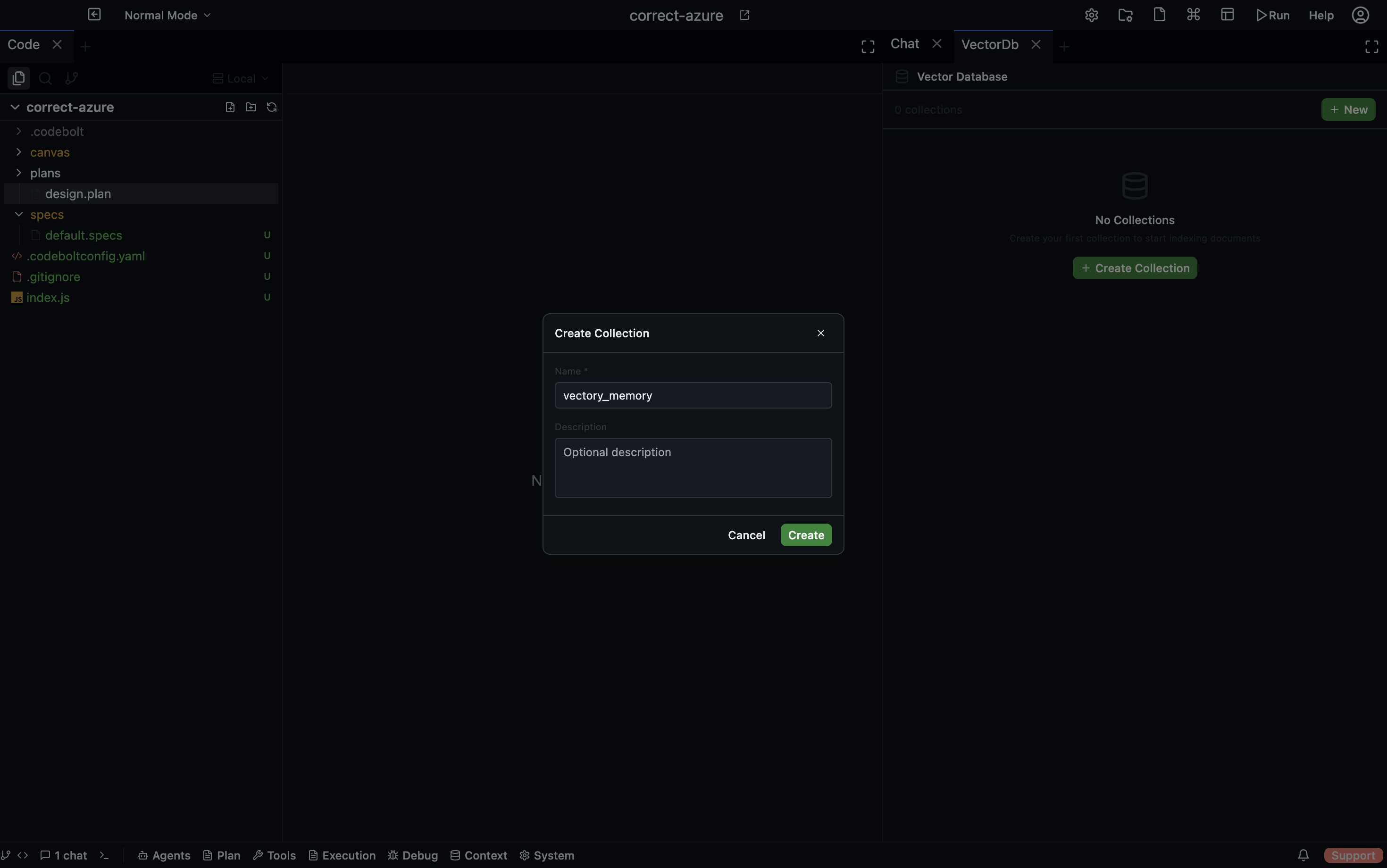
Vector store
Lifetime: persistent
Location: .codebolt/vectordb/
Semantic embeddings for any text content — code chunks, conversation summaries, document passages. At retrieval time the current query is embedded and nearest neighbours are returned by cosine similarity.
The vector store is populated by the vector_embed processor in the ingestion pipeline. It is queried by vector_search steps in persistent memory pipelines.
Use the vector store for:
- "What have we discussed about authentication before?"
- Recalling relevant past code that matches the current task description
- Fuzzy-matching knowledge that doesn't map cleanly to a graph query
SDK access:
await codebolt.memory.vector.embed('The payment flow uses Stripe webhooks for async confirmation.');
const results = await codebolt.memory.vector.search('how does payment confirmation work?', { topK: 5 });
Event log
Lifetime: persistent (append-only)
Location: internal structured log
An append-only log of every significant event in the agent's lifetime: tool calls, errors, user messages, task transitions, memory writes, ingestion runs. The event log is the source of truth for auditing — nothing is edited or deleted.
The event log is queried via log_search steps in persistent memory pipelines, filtered by event type, time range, or field values.
Use the event log for:
- Auditing what actions an agent took and when
- Debugging a failed run by replaying its event stream
- Building persistent memories that summarise recent activity patterns
See Event Log for the panel, query modes, and event categories.
Choosing the right layer
| You want to store… | Use |
|---|---|
| A flag or preference that persists | KV store |
| A structured config object | JSON store |
| A human-readable note | Markdown notes |
| Entity/relationship data | Knowledge graph |
| Semantically searchable text | Vector store |
| A scratchpad for this turn only | Working memory |
| Full turn history | Episodic (automatic) |
| An audit trail | Event log (automatic) |