Agent Portfolios
A portfolio is the curated set of agents active in a workspace. Installing an agent doesn't automatically add it to the portfolio — you choose which installed agents are actually available in a given project.
Why portfolios exist
Two reasons:
- Installed ≠ active. You might have 20 agents installed across various projects, but you only want 4 of them usable in your current workspace. The portfolio is the filter.
- Curated sets per project. Different projects need different tools. A mobile project's portfolio probably doesn't include a database-migration specialist; a backend project's might.
Viewing your portfolio
- Desktop
- CLI
- HTTP API
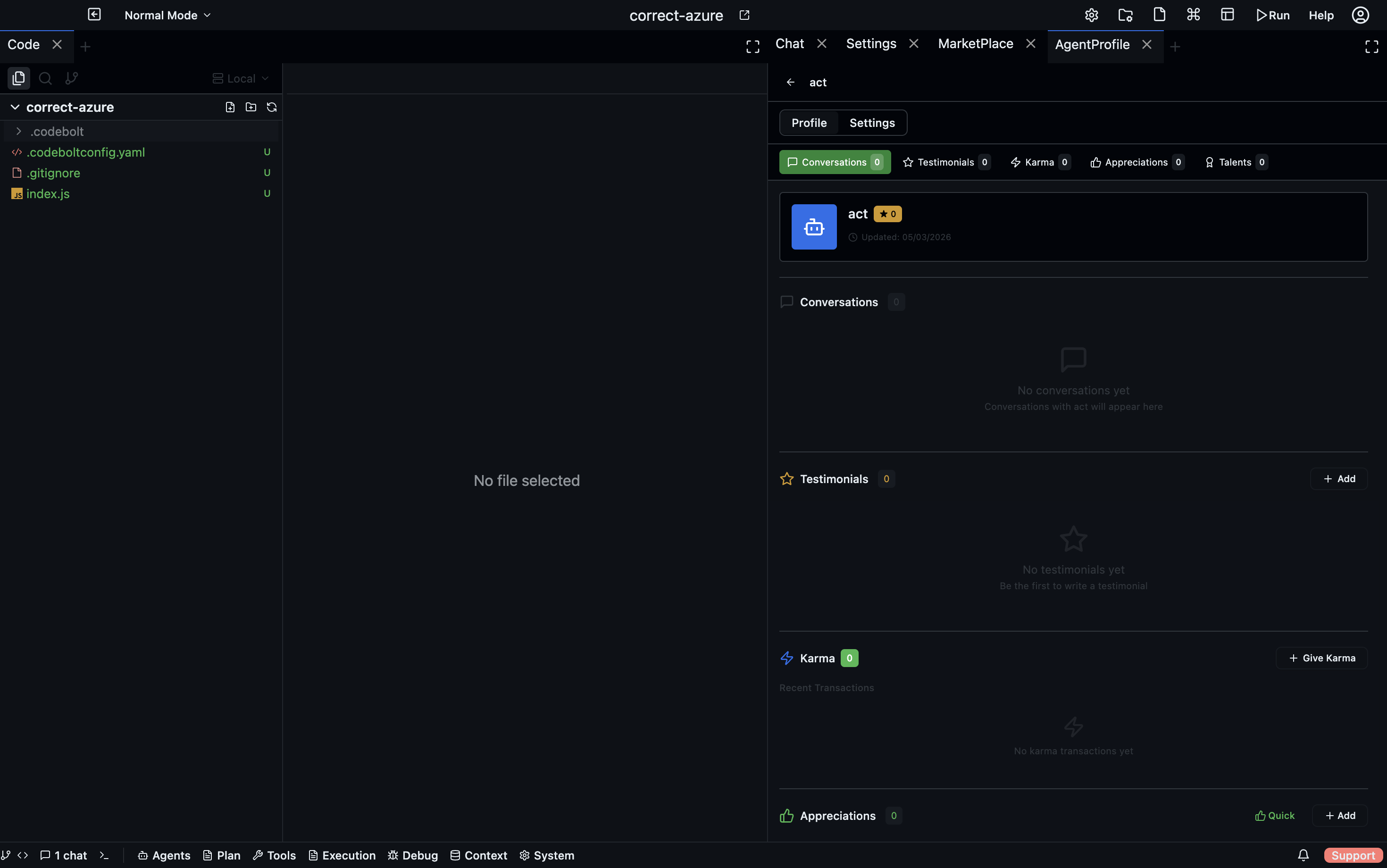
Settings → Agents → Portfolio. Shows every installed agent, which are in the portfolio (checkmarked), reputation score, last-used timestamp.
codebolt agent portfolio list
codebolt agent portfolio list --workspace        # current workspace only
codebolt agent portfolio list --user             # user scope
GET /api/portfolio
GET /api/portfolio?scope=workspace
Adding and removing
- CLI
- Desktop
- Config file
- HTTP API
codebolt agent portfolio add my-agent
codebolt agent portfolio remove my-agent
codebolt agent portfolio pin my-agent
Settings → Agents → Portfolio → toggle the checkmark on the row. Right-click → Pin to keep an agent at the top of pickers.
Edit .codebolt/portfolio.yaml directly:
portfolio:
  - name: my-agent
    enabled: true
    pinned: true
Commit to git to share with the team.
POST   /api/portfolio { "name": "my-agent", "pinned": false }
DELETE /api/portfolio/:name
Removing from the portfolio doesn't uninstall — the agent is still on disk, just not in the active set. Re-add at any time.
Portfolio files
The portfolio is stored as .codebolt/portfolio.yaml in the workspace:
portfolio:
  - name: generalist
    enabled: true
  - name: planner
    enabled: true
  - name: my-pr-reviewer
    enabled: true
    pinned: true    # always show in pickers
  - name: refactor
    enabled: false  # installed but not in portfolio
Committing this to git lets your team share a workspace portfolio.
Pinned agents
Pinning an agent keeps it at the top of pickers and command palettes. Use for agents you use multiple times per day.
Default portfolio for new workspaces
Settings → Agents → Default portfolio sets what gets auto-added when you create a new workspace. Usually the core built-ins plus any personal favorites.
Reputation (optional)
When reputation tracking is enabled, each agent accumulates a score based on its run history:
- Success rate
- Downstream stability (did its changes stick?)
- Cost efficiency
- User-reported quality (if thumbs-up/down is used)
Reputation surfaces in the portfolio as a numeric score, and in pickers as an ordering hint. Agents with low reputation sink to the bottom.
See Stigmergy and Reputation for the mechanism.
Turn it off in Settings → Agents → Reputation tracking if you don't want it.
Per-scope portfolios
Portfolios can exist at multiple scopes:
- Project — committed to
.codebolt/portfolio.yamlin the project. - Workspace — for your workspace's personal use.
- User — your defaults across all workspaces.
The active portfolio is the union of these, with overrides following the same precedence as settings.
Exporting and sharing
codebolt agent portfolio export > my-portfolio.yaml
codebolt agent portfolio import < their-portfolio.yaml
Great for onboarding a new team member: export your carefully-curated portfolio, share the file, they import it and get the same set.