Built-in Agents
The default set of agents that ship with Codebolt. Maintained by the Codebolt team and improved with every release. Good starting points; remix or replace them as your needs get specific.
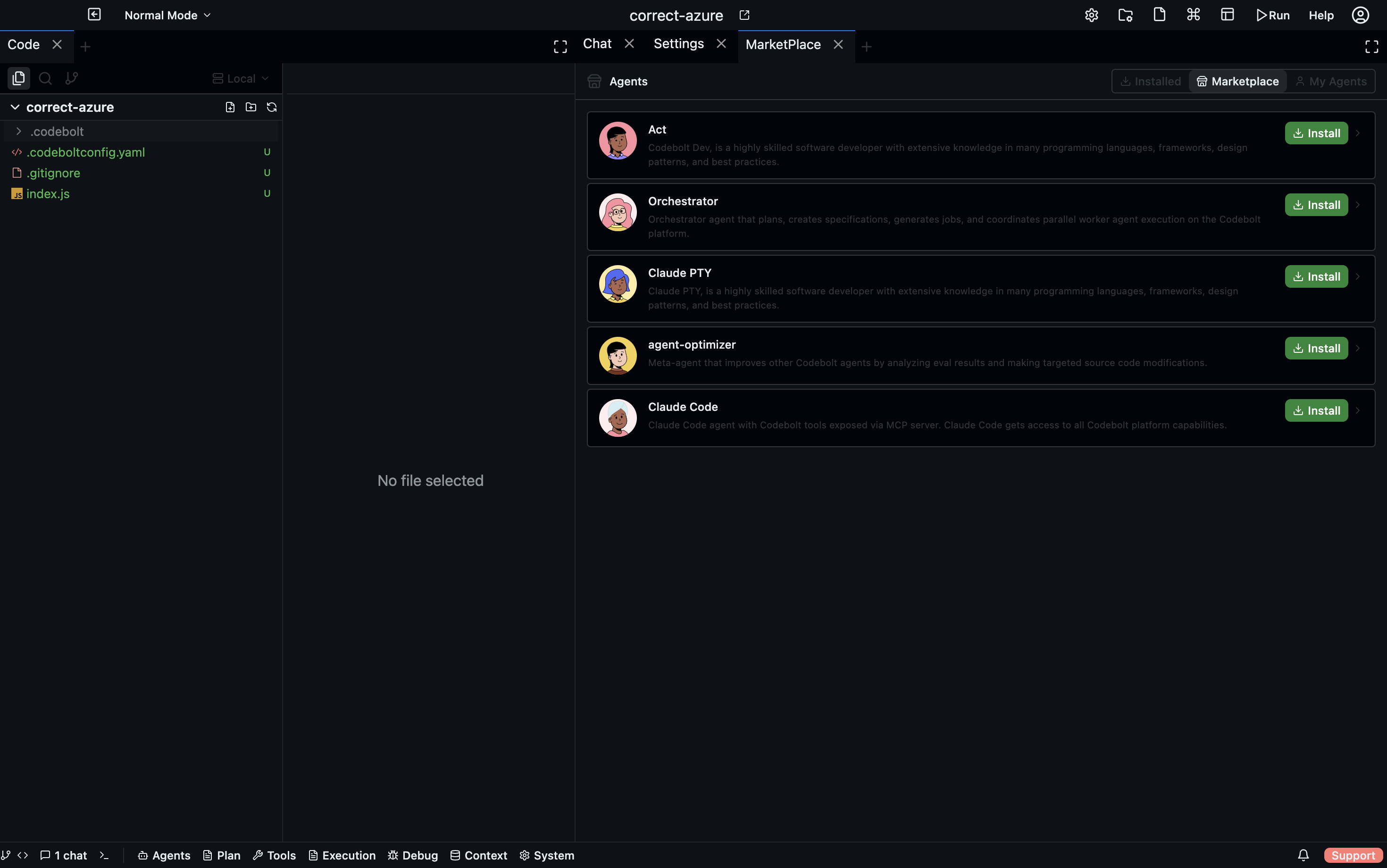
Run codebolt agent list to see what's installed — the exact set may differ between versions.
The core six
generalist
The default. A mid-tier code assistant with full read/write tool access.
- Best for: general coding work when you're not sure which specialist fits.
- Model: mid-tier (Claude Sonnet, GPT-4 class).
- Tools: full default allowlist including file writes, git, shell.
- Remix it when: you want project-specific conventions embedded in the prompt.
planner
Read-only agent that produces structured plans.
- Best for: breaking down a fuzzy task into concrete steps before execution.
- Model: flagship (Opus, GPT-5 class) — planning benefits from the best model.
- Tools: read-only. Codemap, search, file reads, KG queries.
- Remix it when: you want domain-specific planning frames (e.g. "plan migrations", "plan incidents").
reviewer
Read-only agent that reviews diffs and flags issues.
- Best for: code review, "is this correct?" questions, pre-merge checks.
- Model: mid-tier, different family from your coder for independence.
- Tools: read-only. Git diff, file reads, code analysis.
- Remix it when: you want project-specific review rules (see Build your first agent).
refactor
Write-capable agent optimised for bulk mechanical changes.
- Best for: rename-across-codebase, extract-common-function, convert-pattern-X-to-Y.
- Model: fast mid-tier — refactors are mechanical, flagship quality isn't needed.
- Tools: full file write + search.
- Remix it when: you have project-specific refactoring templates.
debugger
Write-capable agent that runs and inspects code to track down bugs.
- Best for: "this test is failing and I don't know why", "this function returns wrong output for input X".
- Model: mid-tier.
- Tools: file read/write, shell execution, LSP diagnostics, debugger control.
- Remix it when: your project has specific debugging workflows (custom debugger, specific logging).
explainer
Read-only agent that describes code in plain language.
- Best for: onboarding, "what does this do?", understanding unfamiliar code.
- Model: mid-tier.
- Tools: read-only. Search, file reads, KG, codemap.
- Remix it when: you want explanations tuned to a specific audience (junior devs, non-engineers, etc.).
Other built-ins
Depending on your version, you may also have:
tester— write and run tests for specified modules.documenter— generate or update inline documentation.translator— convert code between languages.migrator— perform specific migration workflows (Vue 2 → 3, Python 2 → 3, etc.).pr-author— produce PR descriptions from diffs.
Inspecting an agent
codebolt agent show <name>
Prints the full resolved manifest, including the system prompt, tool allowlist, limits, and any processors configured.
Use this before remixing to understand what you're inheriting.
Updating built-ins
Built-in agents update with the server. When you upgrade Codebolt, you get whatever improvements the team shipped. Your remixes still reference the parent by name and inherit the new version automatically — which is why remixing is better than forking.
If an upgrade breaks your remix (rare — the team tries to keep parent prompts stable), you can pin a specific version of the parent:
remix_of: reviewer@1.2.0