Usage and Billing
Codebolt has no per-seat fee for individual use of the open-source desktop app with your own provider keys. You pay for:
- LLM tokens — billed by your LLM provider (OpenAI, Anthropic, etc.).
- Hosted plan (optional) — if you use Codebolt's hosted service instead of self-hosting.
- Team plan (optional) — if you want team features, shared infrastructure, marketplace publishing.
Usage tracking
Everything Codebolt does is recorded in the event log, so usage is always queryable. The same numbers are available via every surface — pick whichever fits your workflow.
- Desktop
- CLI
- HTTP API
Settings → Usage shows:
- Tokens consumed (by provider, model, agent, time period)
- Estimated LLM cost (from configured per-token rates)
- Agent runs count (by status, agent)
- Tool calls count (by tool)
- Storage usage (DB, shadow git, vector DB, KG)
codebolt provider usage --since "7 days ago"
codebolt provider usage --by agent --since "1 month ago"
codebolt provider usage --by model --json | jq
codebolt events query "type == llm.chat" --since "today" --json | \
  jq '[.[] | .cost_usd] | add'
GET /api/usage?since=7d
GET /api/usage?since=1mo&group_by=agent
GET /api/usage?since=1mo&group_by=model
For team plans, add ?team=<id> to scope to a team.
LLM cost
The biggest variable cost. Codebolt computes it from:
- Tokens reported by the LLM provider
- Your configured per-token rates (auto-updated from the provider's pricing for official providers; set manually for custom providers)
Shown in Settings → AI Requests → Aggregate and the status bar.
Reducing LLM cost
- Use mid-tier models for most work. Flagship models are 10-20x more expensive.
- Tighten context. The bulk of cost is input tokens; trim the context window aggressively.
- Cache where possible. Enable LLM response caching for deterministic use cases.
- Set per-agent budgets. Cap max_cost_usd in agent manifests so runaways don't eat your budget.
- Use local models for high-volume tasks. Free at the margin (you pay for hardware up front).
Hosted plan
If you use Codebolt's hosted service (codebolt.ai) instead of self-hosting:
- Free tier — limited concurrent runs, limited marketplace access, Codebolt-managed LLM proxy.
- Paid tiers — higher limits, premium support, extended retention, priority compute.
See the pricing page on codebolt.ai for current tiers.
Team plan
Teams on the hosted service are billed per-member or per-usage depending on the plan:
- Per-member — fixed monthly fee per user. Predictable.
- Per-usage — pay for LLM tokens + storage + compute. Variable.
Self-hosted teams don't have a Codebolt subscription fee at all. You run the server; you pay for the infrastructure and your LLM providers.
Billing UI
Settings → Billing (hosted service only):
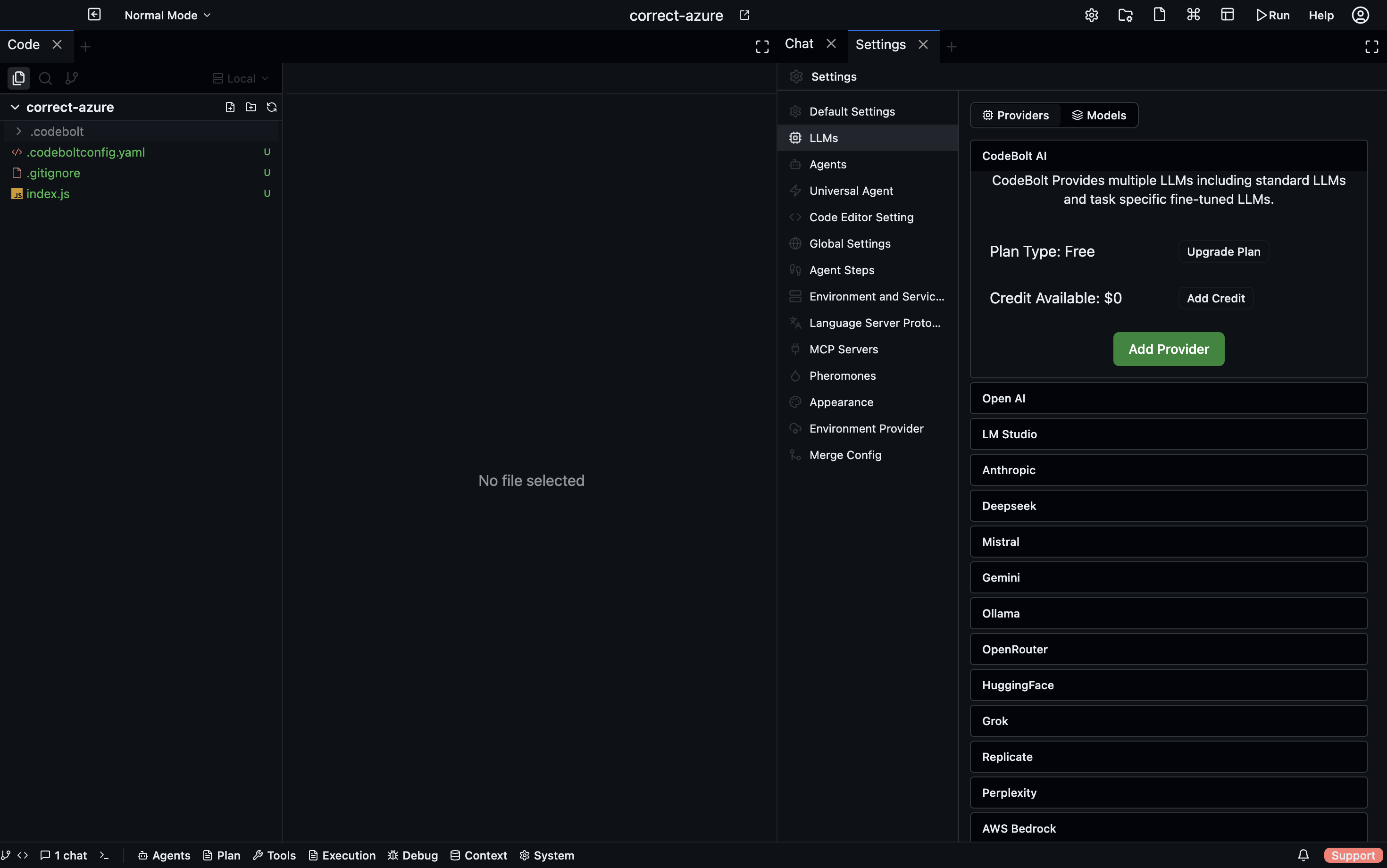
- Current plan
- This month's usage vs plan limits
- Payment method
- Invoice history
- Upgrade / downgrade / cancel
Setting a budget cap
To prevent cost runaway:
# .codebolt/settings.yaml
limits:
  cost_cap_usd_per_day: 50.00
  cost_cap_action: pause    # or: warn, kill_running
pause stops accepting new runs when the cap is hit (existing runs complete). kill_running is more aggressive — kills in-flight runs. warn just logs a warning and keeps going.
Caps can also be set per-user, per-team, per-project, per-agent.
Usage alerts
Hooks can watch token usage and alert when thresholds are hit:
export default {
  phase: "after_llm_call",
  handler: async (ctx) => {
    const today = new Date().toISOString().slice(0, 10);
    const key = `usage:${today}`;
    const spent = (await ctx.kvStore.get(key)) ?? 0;
    const newSpent = spent + ctx.cost_usd;
    await ctx.kvStore.set(key, newSpent);

    if (newSpent > 20 && spent <= 20) {
      await notifySlack(`Codebolt: daily spend passed $20 (now $${newSpent.toFixed(2)})`);
    }
    return { verdict: "observe" };
  },
};
Wires a Slack alert (or email, or anything) to the daily spend threshold.
Invoicing by project
For organisations that chargeback by project, event log data can feed a chargeback report:
codebolt events query 'type == llm.chat' --since "last month" --json | \
  jq 'group_by(.project) | map({project: .[0].project, tokens: [.[] | .tokens] | add, cost: [.[] | .cost_usd] | add})'
Group by project, sum tokens and cost. Export and import into your chargeback tool of choice.